Choosing the best drawing tablet for graphic design is one of the most critical decisions you’ll make for your creative career. It’s more than just a peripheral; it’s the bridge between your imagination and the digital canvas. A great tablet can supercharge your workflow, enhance your precision, and unlock new creative possibilities, while the wrong one can be a source of constant frustration. Whether you’re a seasoned professional crafting brand identities or a student just starting, this guide will break down the essential features and review the top models to help you find the perfect digital partner.
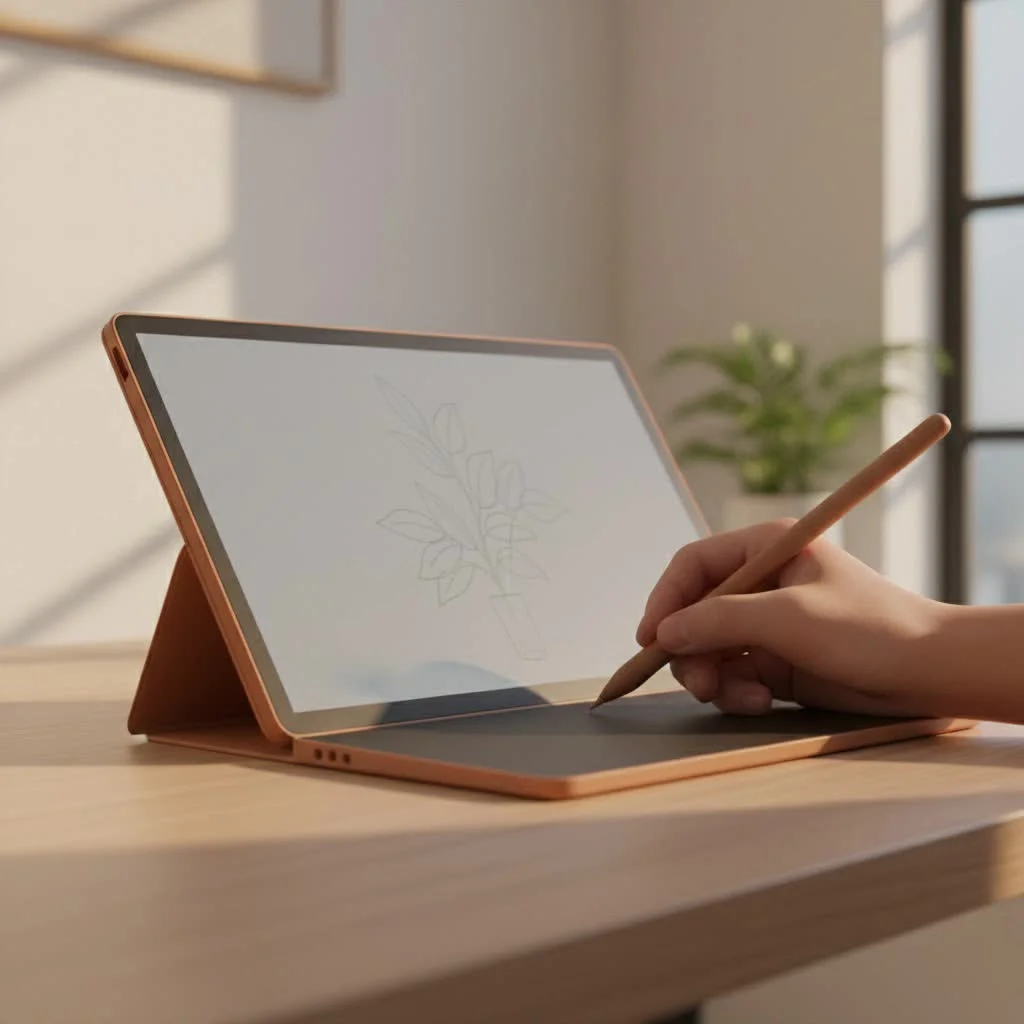
Pen Tablet, Pen Display, or Standalone: Which is Right for You?
Before diving into specific models, it’s crucial to understand the three main categories of drawing tablets. The right choice depends entirely on your workflow, workspace, and budget.
Pen Tablets (Screenless)
Think of these as a high-tech trackpad. You draw on the tablet’s surface with a stylus, and the result appears on your computer monitor. There’s a slight learning curve to the hand-eye coordination, but they are incredibly durable, ergonomic, and the most affordable option.
- Best for: Budget-conscious designers, photo retouchers, and those who prefer a traditional, heads-up posture while working.
Pen Displays (With Screen)
These devices feature a built-in screen, allowing you to draw directly onto your artwork. This creates a more natural and intuitive experience, similar to drawing on paper. They are the preferred choice for most professional illustrators and designers but come at a higher price and are less portable.
- Best for: Professional designers and illustrators who want a seamless, direct drawing experience.
Standalone Tablets (All-in-One)
These are devices like the Apple iPad Pro or Microsoft Surface Pro. They are powerful, self-contained computers with touch screens and advanced stylus support. Their biggest advantage is portability, allowing you to work from anywhere without being tethered to a computer.
- Best for: Creatives on the move, designers who value versatility, and those who work within specific app ecosystems.
Key Features Every Graphic Designer Must Consider
The spec sheets for drawing tablets can be overwhelming. Let’s cut through the noise and focus on what truly matters for professional graphic design work.
Screen and Color Accuracy: Your Digital Canvas
For a graphic designer, color is everything. A screen that doesn’t accurately represent colors can ruin a project.
- Resolution: A Full HD (1920×1080) display is the minimum, but for serious design work, 4K (3840×2160) is the goal. It provides superior sharpness for intricate vector work and UI design.
- Color Gamut: Look for tablets that cover a high percentage of sRGB and Adobe RGB color spaces. Over 95% Adobe RGB is the professional standard, ensuring that the colors you see on screen will match what you get in print or on the web.
- Panel Type: While LCD panels are common, newer OLED displays offer perfect blacks, infinite contrast, and incredibly vibrant colors, making them a premium choice for color-critical work.
Pen Precision: Pressure, Tilt, and Latency
|
Our Picks for the Best Graphic Tablet in 2026
As an Amazon Associate I earn from qualifying purchases.
|
||
| Num | Product | Action |
|---|---|---|
| 1 | Graphics Drawing Tablet, UGEE M708 10 x 6 inch Large Drawing Tablet with 8 Hot Keys, Passive Stylus of 16384 Levels Pressure, UGEE M708 Graphics Tablet for Paint, Design, Art Creation Sketch |

|
| 2 | HUION Drawing Tablet HS610 Graphic Tablet with Battery-Free Stylus 8192 Pen Pressure Tilt Function, 10x6.25 Inches Digital Art for Animation & Design, Compatible with Windows/Mac/Android |
|
| 3 | Drawing Tablet for Beginner Graphics OSU Tablet with Battery-Free Stylus 8192 Pressure Sensitive for Digital Art, Painting & Design, Compatible with Windows, Mac OS and Android |
|
| 4 | HUION KAMVAS Pro 16 Drawing Tablet with Screen, 15.6 inch Pen Display Anti-Glare Glass 6 Shortcut Keys Adjustable Stand, Graphics Tablet for Drawing, Writing, Design, Work with Windows, Mac and Linux |
|
| 5 | XOPPOX Graphics Drawing Tablet 10 x 6 Inch Large Active Area with 8192 Levels Battery-Free Pen and 12 Hot Keys, Compatible with PC/Mac/Android OS for Painting, Design & Online Teaching Black |
|
| 6 | HUION Kamvas 13 (Gen 3) Drawing Tablet with Screen,13.3\" Full-Laminated Art Tablet with Anti-Sparkle Canvas Glass 2.0, 99% sRGB, PenTech 4.0, 16384 Pen Pressure, Dual Dial for PC, Mac, Android, Black |
|
| 7 | HUION Inspiroy H640P Drawing Tablet, 6x4 inch Digital Art with Battery-Free Stylus, 8192 Pen Pressure, 6 Hot Keys, Graphics Tablet for Drawing, Writing, Design, Teaching, Work with Mac, PC & Mobile |
|
| 8 | Wacom Intuos Pro Medium Bluetooth Professional Graphic Drawing Tablet with Pro Pen 3, Compatible with Mac, Windows - 2025 Edition |
|
| 9 | GAOMON M10K Drawing Tablet, 10x6 inch Large Graphics Tablet with Touch Ring, 8192 Levels Battery-Free Stylus, 10 Hot Keys, Art Tablet for Design, Writing, Editing, Work with Mac, Windows, Android |
|
| 10 | HUION Inspiroy H1060P Graphics Drawing Tablet with 8192 Pressure Sensitivity Battery-Free Stylus and 12 Customized Hot Keys, 10 x 6.25 inches Digital Art Tablet for Mac, Windows PC and Android |
|
The stylus is your digital brush, pen, and pencil. Its performance is non-negotiable.
- Pressure Sensitivity: This determines how the tablet interprets the force you apply, allowing you to vary line weight and opacity. The industry standard is 8,192 levels, which is more than enough for nuanced work. Some newer models offer 16,384 levels, though the practical difference may be subtle for many users.
- Tilt Support: This feature allows the tablet to recognize the angle of your pen, enabling natural-looking shading and calligraphic strokes, just like a real pencil or brush.
- Low Latency: This is the tiny delay between your pen stroke and when it appears on screen. Look for the lowest latency possible for a responsive, real-time drawing feel.
Size and Ergonomics: Finding Your Sweet Spot
Bigger isn’t always better. The ideal size depends on your desk space and whether you need to travel with your tablet.
- 13-16 inches: This is the sweet spot for many designers, offering a generous workspace without being too bulky.
- 22-27 inches: These larger models provide an immersive, expansive canvas perfect for a dedicated studio setup but are not portable.
- Under 13 inches: Ideal for portability and smaller desks, often found in the pen tablet and standalone categories.
Workflow Boosters: Shortcut Keys and Connectivity
Efficiency is key in professional design. Features that save you time are worth their weight in gold. Look for customizable shortcut keys (often called ExpressKeys) on the tablet itself, which you can program for frequent actions like undo, zoom, or switching tools. Reliable connectivity via USB-C or Bluetooth is also essential for a hassle-free setup.
The Best Drawing Tablets for Graphic Design in 2026
After extensive testing and review, here are our top picks that cater to a range of needs and budgets.
Wacom Cintiq Pro 16: The Industry Standard, Refined
The Wacom Cintiq has long been the benchmark for professional pen displays, and for good reason. It delivers uncompromising quality, reliability, and a pen experience that feels second to none.
- Best for: Professionals seeking the most reliable and trusted tool for a desktop setup.
- Why it stands out: The Pro Pen 2 is renowned for its accuracy and comfortable feel. The 4K screen boasts excellent color accuracy, and Wacom’s drivers are famously stable and compatible with virtually all creative software.
- Things to consider: It comes with a premium price tag and is not the most portable option.
XP-Pen Artist Pro 16 (Gen 2): The Powerful Challenger
XP-Pen has rapidly become a major competitor by offering professional-grade features at a much more accessible price point. The Artist Pro 16 (Gen 2) is a testament to this, packing cutting-edge tech into a sleek package.
- Best for: Designers who want top-tier features, including advanced pen tech, without the Wacom price.
- Why it stands out: It features the groundbreaking X3 Pro Smart Chip Stylus with 16,384 levels of pressure sensitivity, offering unparalleled precision. Its laminated screen minimizes parallax, and its color gamut is excellent for professional work.
- Things to consider: While driver support has improved immensely, Wacom still has a slight edge in legacy software compatibility.
Huion Kamvas Pro 16 (2.5K): The Value Powerhouse
Huion consistently delivers incredible value, and the Kamvas Pro 16 is a prime example. It offers a premium drawing experience that rivals more expensive tablets, making it an excellent choice for students and budget-conscious professionals.
- Best for: Aspiring designers and freelancers who need professional features on a tighter budget.
- Why it stands out: The 2.5K QHD display is sharp and vibrant, with impressive color coverage. The pen is responsive and battery-free, and the overall build quality feels solid and durable.
- Things to consider: Its color accuracy, while very good, may fall slightly short of the premium 4K models for the most demanding print work.
Apple iPad Pro (M-Series): The Versatile Creative Studio
Powered by Apple’s desktop-class M-series chips, the iPad Pro has evolved from a simple tablet into a formidable tool for graphic design. Combined with the Apple Pencil Pro, it offers a fluid, powerful, and incredibly portable workflow.
- Best for: Designers who prioritize portability, a multi-purpose device, and work heavily with apps like Procreate, Affinity Designer, and Adobe’s mobile suite.
- Why it stands out: The Liquid Retina XDR display is arguably the best screen on any mobile device, offering stunning brightness and color accuracy. The app ecosystem is mature and robust for creative work.
- Things to consider: You’re locked into iPadOS, which may not support every desktop application or plugin. The Apple Pencil is a mandatory separate purchase.
Wacom Intuos Pro (Medium): The Best Screen-Free Tablet
For those who prefer the ergonomics of a screen-free tablet or are looking for a professional tool on a budget, the Wacom Intuos Pro remains the undisputed champion. It’s a workhorse trusted by countless designers and photo editors worldwide.
- Best for: Designers focused on vector art, photo editing, and those who prefer a traditional, ergonomic setup.
- Why it stands out: Its build quality is exceptional. The Pro Pen 2 offers the same great performance as on the Cintiqs. It features customizable ExpressKeys, a touch ring, and multi-touch gestures for efficient navigation.
- Things to consider: There is a learning curve for hand-eye coordination if you’re new to screenless tablets.
Quick Comparison: Which Tablet Fits Your Needs?
| Tablet | Type | Best For | Key Feature | Price Range |
|---|---|---|---|---|
| Wacom Cintiq Pro 16 | Pen Display | Studio Professionals | Unmatched Reliability & Pen Feel | $$$$ |
| XP-Pen Artist Pro 16 | Pen Display | Tech-Forward Designers | 16K Pressure Levels | $$$ |
| Huion Kamvas Pro 16 | Pen Display | Budget-Conscious Pros | Excellent Value for Price | $$ |
| Apple iPad Pro | Standalone Tablet | Mobile Creatives | Portability & Display Quality | $$$$ |
| Wacom Intuos Pro | Pen Tablet | Ergonomics & Budget | Professional Screen-Free Workflow | $$ |
Frequently Asked Questions (FAQ)
What size drawing tablet is best for graphic design?
A 16-inch display is often considered the sweet spot, providing ample workspace while not being overly cumbersome. For screen-free tablets, a “medium” size is the most popular choice as it maps well to most monitor sizes.
Do I really need a 4K display for graphic design?
While not strictly necessary for everyone, a 4K display makes a significant difference when working with high-resolution illustrations, detailed vector logos, or complex UI elements. The added sharpness reduces eye strain and allows you to see your work with greater clarity.
Is an iPad good enough for professional graphic design?
Absolutely. For many designers, especially those in illustration and UI/UX, the iPad Pro is their primary tool. With powerful apps like Affinity Designer and the Adobe Creative Suite, it’s more than capable of handling professional projects from start to finish.
How many pressure levels do I actually need?
8,192 levels of pressure sensitivity is the professional standard and is more than sufficient for creating nuanced and expressive artwork. While higher levels are available, the difference is often less noticeable than other factors like latency and initial activation force.
Wacom vs. Huion vs. XP-Pen: Which brand is best?
Wacom is the legacy brand with a reputation for rock-solid reliability. Huion and XP-Pen are strong competitors that offer similar features, and sometimes even more advanced technology, at a more affordable price. The best brand for you depends on your budget and specific needs.
Conclusion
The best drawing tablet for graphic design is the one that seamlessly integrates into your creative process and empowers you to do your best work. Don’t get lost in the numbers on a spec sheet. Instead, focus on your primary needs: Do you need the color accuracy of a 4K pen display for print work? Or the freedom of a standalone tablet to sketch concepts on the go? Whether you invest in the industry-standard Wacom Cintiq, the innovative XP-Pen Artist, or the versatile iPad Pro, choosing the right tool is an investment in your creativity. Now go create something amazing.
Get our weekly buyer guide
Practical specs, not advice. Unsubscribe anytime.
