In a world of constant digital noise, the simple act of writing things down is more powerful than ever. But what if you could combine the tactile, brain-boosting benefits of handwriting with the efficiency and organization of digital technology? That’s the promise of using a graphic tablet for note taking. Forget bulky binders and lost scraps of paper; the future of note-taking is here, and it’s sleeker, smarter, and infinitely more versatile. Whether you’re a student trying to keep up with lectures, a professional organizing meeting minutes, or a creative mind capturing fleeting ideas, a graphic tablet can revolutionize your workflow.
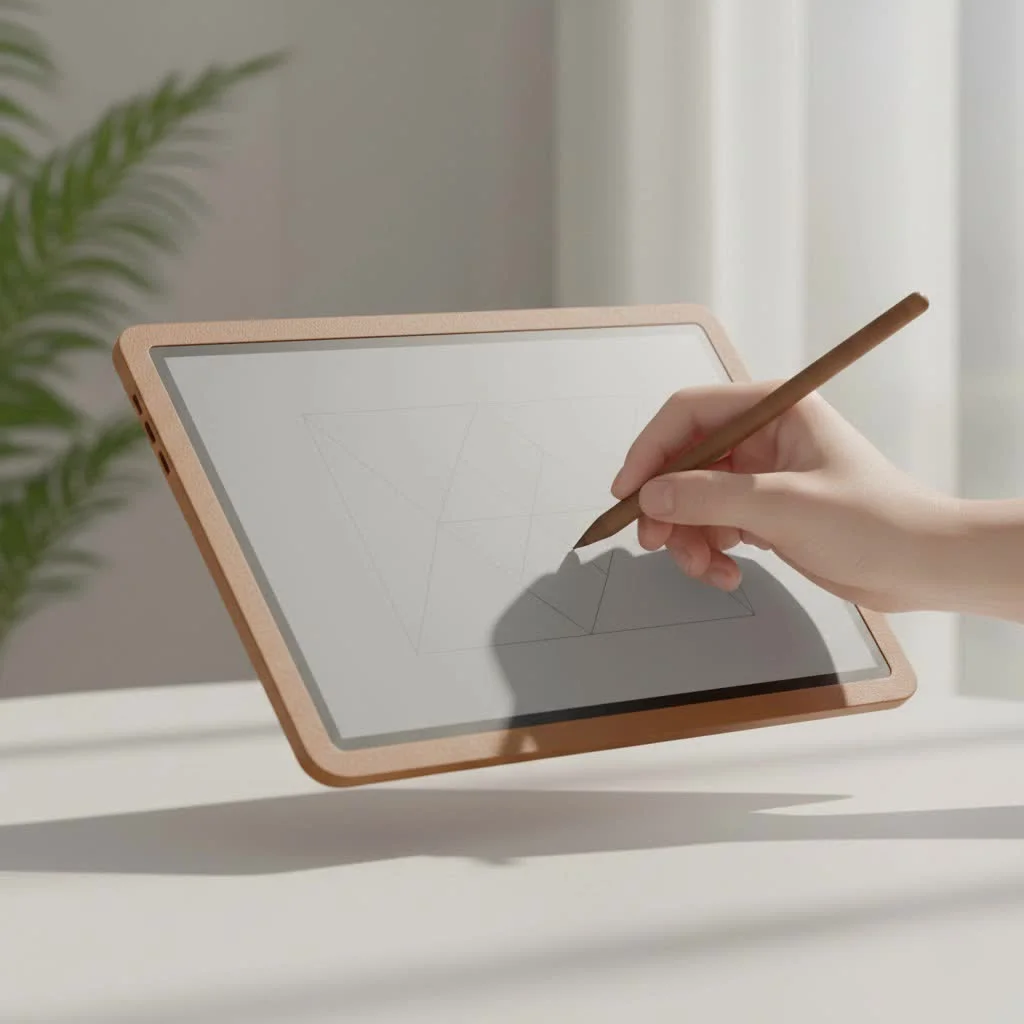
This guide will walk you through everything you need to know, from the core benefits to choosing the perfect device for your needs. As someone who has spent over 15 years immersed in the world of digital design and education at Kagbz.com, I’ve seen firsthand how these tools can unlock new levels of productivity and creativity.
Why Use a Graphic Tablet for Your Notes?
Before we dive into the hardware, let’s talk about the why. Switching from paper or a keyboard to a stylus and tablet isn’t just a tech upgrade; it’s a fundamental improvement to how you capture and interact with information. The advantages are clear and compelling.
Unmatched Organization and Accessibility
Imagine all your notes—from every class, meeting, and brainstorming session—stored in one secure, searchable place. With a graphic tablet, you can create separate digital notebooks for each subject, tag important pages, and find specific information in seconds. Everything is backed up to the cloud, accessible on any of your devices, so you’ll never have that sinking feeling of leaving a crucial notebook at home again.
An Eco-Friendly and Cost-Effective Choice
Think about the amount of paper used for notes, drafts, and doodles over a year. A graphic tablet is a one-time investment that virtually eliminates your need for paper notebooks, pens, and highlighters. Not only does this reduce your environmental footprint, but it also saves you money in the long run. No more last-minute runs to the store for a fresh notebook before a big project.
Enhanced Learning and Collaboration
Studies have shown that writing by hand improves memory retention and conceptual understanding compared to typing. A graphic tablet preserves this cognitive benefit. Furthermore, digital notes are incredibly easy to share. You can instantly send a copy of your lecture notes to a classmate, collaborate on a project in real-time using apps like OneNote, or share meeting minutes with your team before you’ve even left the conference room.
How to Choose the Perfect Graphic Tablet for Note Taking
The term “graphic tablet” can refer to several different types of devices. The right one for you depends on your budget, existing tech, and how you plan to use it. Let’s break down the main categories and the key features to consider.
Screen vs. Screenless: What’s the Difference?
|
Our Picks for the Best Graphic Tablet in 2026
As an Amazon Associate I earn from qualifying purchases.
|
||
| Num | Product | Action |
|---|---|---|
| 1 | HUION KAMVAS Pro 16 Drawing Tablet with Screen, 15.6 inch Pen Display Anti-Glare Glass 6 Shortcut Keys Adjustable Stand, Graphics Tablet for Drawing, Writing, Design, Work with Windows, Mac and Linux |

|
| 2 | GAOMON M10K Drawing Tablet, 10x6 inch Large Graphics Tablet with Touch Ring, 8192 Levels Battery-Free Stylus, 10 Hot Keys, Art Tablet for Design, Writing, Editing, Work with Mac, Windows, Android |
|
| 3 | HUION Kamvas 13 (Gen 3) Drawing Tablet with Screen,13.3\" Full-Laminated Art Tablet with Anti-Sparkle Canvas Glass 2.0, 99% sRGB, PenTech 4.0, 16384 Pen Pressure, Dual Dial for PC, Mac, Android, Black |
|
| 4 | XOPPOX Graphics Drawing Tablet 10 x 6 Inch Large Active Area with 8192 Levels Battery-Free Pen and 12 Hot Keys, Compatible with PC/Mac/Android OS for Painting, Design & Online Teaching Black |
|
| 5 | HUION Inspiroy H1060P Graphics Drawing Tablet with 8192 Pressure Sensitivity Battery-Free Stylus and 12 Customized Hot Keys, 10 x 6.25 inches Digital Art Tablet for Mac, Windows PC and Android |
|
| 6 | Drawing Tablet for Beginner Graphics OSU Tablet with Battery-Free Stylus 8192 Pressure Sensitive for Digital Art, Painting & Design, Compatible with Windows, Mac OS and Android |
|
| 7 | Graphics Drawing Tablet, UGEE M708 10 x 6 inch Large Drawing Tablet with 8 Hot Keys, Passive Stylus of 16384 Levels Pressure, UGEE M708 Graphics Tablet for Paint, Design, Art Creation Sketch |
|
| 8 | HUION Drawing Tablet HS610 Graphic Tablet with Battery-Free Stylus 8192 Pen Pressure Tilt Function, 10x6.25 Inches Digital Art for Animation & Design, Compatible with Windows/Mac/Android |
|
| 9 | HUION Inspiroy H640P Drawing Tablet, 6x4 inch Digital Art with Battery-Free Stylus, 8192 Pen Pressure, 6 Hot Keys, Graphics Tablet for Drawing, Writing, Design, Teaching, Work with Mac, PC & Mobile |
|
| 10 | Wacom Intuos Pro Medium Bluetooth Professional Graphic Drawing Tablet with Pro Pen 3, Compatible with Mac, Windows - 2025 Edition |
|
This is the most critical decision you’ll make.
- Screenless Tablets: These are the most traditional and affordable type of graphic tablet. They are simple, pressure-sensitive pads that you connect to your computer. You write on the pad with a stylus, and your handwriting appears on your computer screen. There’s a slight learning curve to the hand-eye coordination, but they are durable, portable, and excellent for a fixed setup, like a home desk or lecture hall. Brands like Wacom and XPPen offer fantastic entry-level options.
- Standalone Tablets: This category includes devices like the Apple iPad, Samsung Galaxy Tab, and Microsoft Surface. They have their own operating systems and brilliant screens you write on directly. The experience is incredibly intuitive—just like writing on paper. They are powerful, multi-purpose devices perfect for notes, entertainment, and professional work, making them the top choice for users who need portability and all-in-one functionality.
“The seamless transition from thought to digital ink is where standalone tablets shine,” notes productivity expert Adrian Croft. “By removing the disconnect between where you write and where you see the text, the technology becomes invisible, allowing the user to focus purely on capturing their ideas.”
Key Features to Look For
Once you’ve decided on the type of tablet, here are the specifications to pay attention to:
- Size and Portability: Do you need something to slip into a small bag, or will it primarily live on your desk? A smaller tablet is more portable, but a larger one provides more comfortable writing space, closer to a standard sheet of paper.
- Stylus Performance: The pen is just as important as the tablet. Look for a stylus that feels comfortable in your hand, doesn’t require charging (many use EMR technology), and offers high levels of pressure sensitivity. This allows you to create thicker or thinner lines just by pressing harder, making your digital handwriting look natural.
- Software and App Compatibility: Your tablet is only as good as the software you use on it. For standalone tablets, check for compatibility with top-tier apps like GoodNotes, Notability, and OneNote. For screenless tablets, ensure they work seamlessly with your computer’s operating system (Windows, macOS, or even ChromeOS).
- Surface Texture: Some tablets have a slick, glossy glass surface, while others offer a more matte, paper-like texture. This is a matter of personal preference, but many users find that a bit of texture or “tooth” provides a more satisfying and controlled writing experience.
Top Recommendations for Note Takers
Navigating the market can be tough, so here are some top-tier recommendations tailored for different needs and budgets.
| Model | Type | Best For | Key Highlight |
|---|---|---|---|
| Apple iPad Air | Standalone | Overall Performance | Powerful, versatile, and seamless with the Apple Pencil 2. |
| Samsung Galaxy Tab S6 Lite | Standalone | Budget-Friendly Standalone | Excellent value with the S Pen included right in the box. |
| XPPen Deco Mini7 | Screenless | Affordable Portability | A compact and reliable option for students on a tight budget. |
| reMarkable 2 | E-Ink Standalone | Distraction-Free Writing | A paper-like experience focused purely on notes and reading. |
| Microsoft Surface Go 3 | Standalone | Windows Users | A full Windows PC in a compact tablet form factor. |
Frequently Asked Questions (FAQ)
What is the best note-taking app to use with a graphic tablet?
For standalone tablets, OneNote, GoodNotes (iOS), and Notability (iOS) are considered industry leaders. For screenless tablets connected to a computer, Microsoft OneNote is a fantastic and free choice that works across platforms.
Can I rest my hand on the tablet when I write?
Yes, modern tablets have excellent palm rejection technology. This allows you to rest your hand on the screen or surface naturally, just as you would on paper, without making accidental marks.
Is there a steep learning curve for screenless tablets?
There is a short adjustment period for getting used to the hand-eye coordination of writing on the pad while looking at your monitor. However, most users find it becomes second nature within a day or two of consistent use.
Do I need a tablet with high pressure sensitivity for just notes?
While artists need thousands of pressure levels for detailed work, high sensitivity is still beneficial for note-taking. It makes the digital ink respond more like a real pen, allowing for more natural and expressive handwriting.
Is a graphic tablet better than a laptop for taking notes in class?
It depends on the subject. For subjects that involve diagrams, equations, or annotations (like math, chemistry, or design), a graphic tablet is far superior to typing. For writing-intensive subjects where speed is the priority, some may still prefer a keyboard.
Your Journey to Paperless Productivity Begins Now
Making the switch to a graphic tablet for note taking is more than just adopting new technology—it’s about investing in a more organized, efficient, and sustainable way to work and learn. You’re creating a centralized, searchable archive of your thoughts and knowledge that can grow with you for years to come.
Take a moment to consider your daily routines, your study habits, and your professional needs. The perfect device is waiting to help you clear the clutter and focus on what truly matters: your ideas. Take the leap, and unlock a new chapter in your personal productivity.
Get our weekly buyer guide
Practical specs, not advice. Unsubscribe anytime.
