Getting started with digital art can feel daunting, especially when you see the price tags on professional-grade equipment. That’s where the graphic tablet H420 from Huion comes in, a device that has earned a reputation as one of the most accessible entry points into the world of digital creativity. For years, this compact tablet has been the go-to for beginners, students, and even rhythm gamers. But does its budget-friendly price mean you have to compromise on quality and performance? In this comprehensive review, we’ll dive deep into what makes the H420 tick, who it’s really for, and whether it’s still a relevant choice today.
What Exactly is the Huion H420?
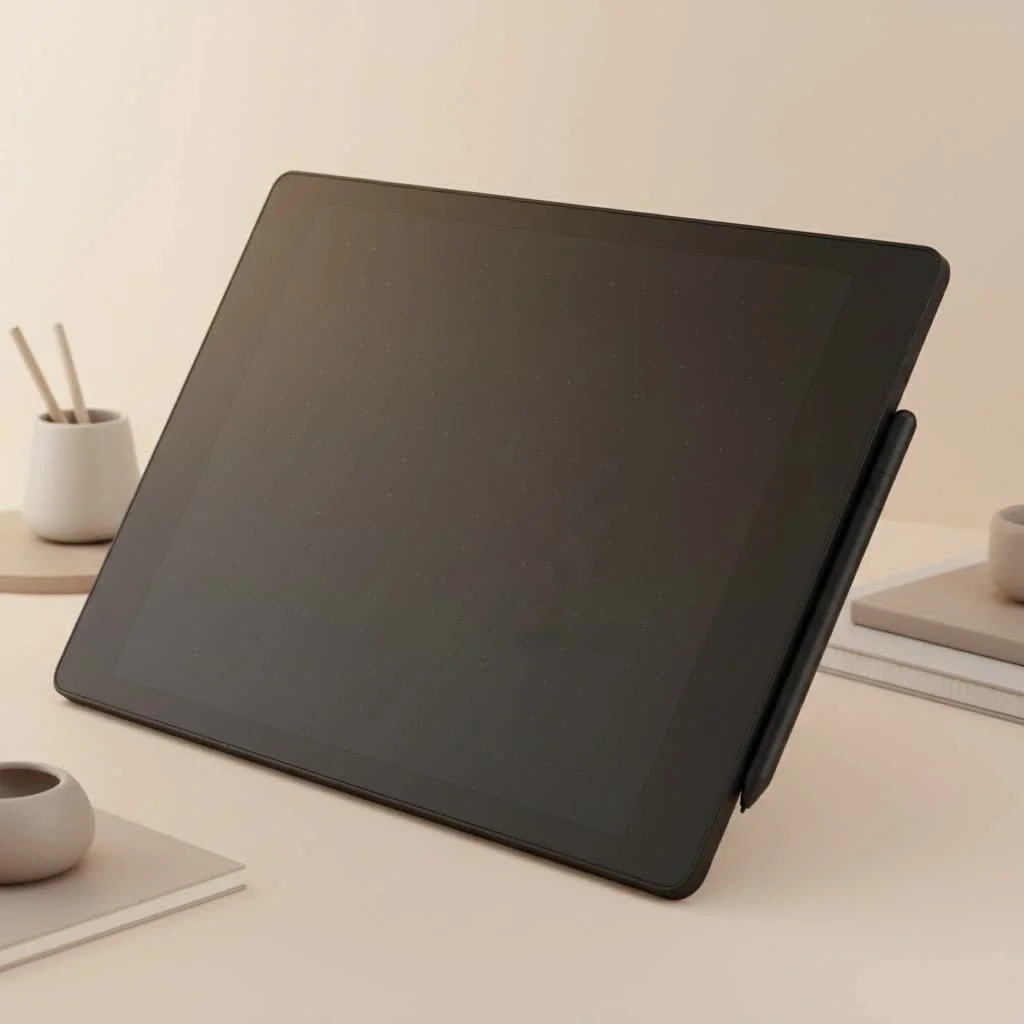
The Huion H420 is an ultra-compact graphic tablet designed for drawing, photo editing, and other creative tasks. Unlike a display tablet, it has an opaque surface where you draw with a stylus, and the results appear on your computer monitor. Think of it as a super-powered mouse pad that offers pressure sensitivity, allowing you to create varied line weights just like you would with a real pen or pencil. Its small size makes it incredibly portable, but also means it has a limited active drawing area. It connects to your computer via a USB cable and is known for its plug-and-play simplicity on most operating systems.
Who Should Buy the Huion H420?
This isn’t a one-size-fits-all device. The H420 shines for specific users who value its simplicity and affordability over advanced features.
The Aspiring Digital Artist on a Budget
If you’re just dipping your toes into digital art, the H420 is an excellent, low-risk starting point. It provides all the core functionality you need to learn the ropes of software like Photoshop, Krita, or Clip Studio Paint without a hefty financial commitment. You can practice sketching, line art, and basic coloring, getting a feel for the hand-eye coordination required for screenless tablets.
Students and E-Learners
The H420 is a fantastic tool for online learning and digital note-taking. It’s perfect for annotating PDFs, solving math problems in a virtual classroom, or collaborating on a digital whiteboard. Its straightforward setup means you can get it working in minutes, making it a reliable companion for remote education.
Osu! and Rhythm Game Players
Perhaps its most famous use case outside of art is for the rhythm game Osu!. The H420’s small, 1:1 mappable surface and fast report rate allow for the quick, precise cursor movements needed to excel in the game. Many top players started with or still use the H420 or similar models for its direct input and lack of mouse acceleration.
A Look at the Core Features and Specs
|
Our Picks for the Best Graphic Tablet in 2026
As an Amazon Associate I earn from qualifying purchases.
|
||
| Num | Product | Action |
|---|---|---|
| 1 | HUION Inspiroy H1060P Graphics Drawing Tablet with 8192 Pressure Sensitivity Battery-Free Stylus and 12 Customized Hot Keys, 10 x 6.25 inches Digital Art Tablet for Mac, Windows PC and Android |

|
| 2 | XOPPOX Graphics Drawing Tablet 10 x 6 Inch Large Active Area with 8192 Levels Battery-Free Pen and 12 Hot Keys, Compatible with PC/Mac/Android OS for Painting, Design & Online Teaching Black |
|
| 3 | HUION Kamvas 13 (Gen 3) Drawing Tablet with Screen,13.3\" Full-Laminated Art Tablet with Anti-Sparkle Canvas Glass 2.0, 99% sRGB, PenTech 4.0, 16384 Pen Pressure, Dual Dial for PC, Mac, Android, Black |
|
| 4 | Wacom Intuos Pro Medium Bluetooth Professional Graphic Drawing Tablet with Pro Pen 3, Compatible with Mac, Windows - 2025 Edition |
|
| 5 | HUION Inspiroy H640P Drawing Tablet, 6x4 inch Digital Art with Battery-Free Stylus, 8192 Pen Pressure, 6 Hot Keys, Graphics Tablet for Drawing, Writing, Design, Teaching, Work with Mac, PC & Mobile |
|
| 6 | GAOMON M10K Drawing Tablet, 10x6 inch Large Graphics Tablet with Touch Ring, 8192 Levels Battery-Free Stylus, 10 Hot Keys, Art Tablet for Design, Writing, Editing, Work with Mac, Windows, Android |
|
| 7 | HUION Drawing Tablet HS610 Graphic Tablet with Battery-Free Stylus 8192 Pen Pressure Tilt Function, 10x6.25 Inches Digital Art for Animation & Design, Compatible with Windows/Mac/Android |
|
| 8 | Graphics Drawing Tablet, UGEE M708 10 x 6 inch Large Drawing Tablet with 8 Hot Keys, Passive Stylus of 16384 Levels Pressure, UGEE M708 Graphics Tablet for Paint, Design, Art Creation Sketch |
|
| 9 | HUION KAMVAS Pro 16 Drawing Tablet with Screen, 15.6 inch Pen Display Anti-Glare Glass 6 Shortcut Keys Adjustable Stand, Graphics Tablet for Drawing, Writing, Design, Work with Windows, Mac and Linux |
|
| 10 | Drawing Tablet for Beginner Graphics OSU Tablet with Battery-Free Stylus 8192 Pressure Sensitive for Digital Art, Painting & Design, Compatible with Windows, Mac OS and Android |
|
While it’s a basic tablet, the H420 has a respectable set of specifications for its price point. Here’s a quick breakdown of what you get in the box.
| Feature | Specification |
|---|---|
| Active Area | 4 x 2.23 inches (102 x 57mm) |
| Pressure Sensitivity | 2048 Levels |
| Resolution | 4000 LPI (Lines Per Inch) |
| Report Rate | 200 RPS (Reports Per Second) |
| Pen Type | Battery-powered (AAA) |
| Express Keys | 3 customizable keys |
| Connectivity | Mini USB |
| Compatibility | Windows & macOS |
The 2048 levels of pressure sensitivity, while half of what modern tablets offer, are more than enough for beginners to learn how to control line weight and opacity effectively. The three ExpressKeys can be programmed for common shortcuts like Undo, Zoom In, or Brush Size, which helps streamline your workflow.
“The magic of a starter tablet like the H420 isn’t in its spec sheet; it’s in the barrier it removes. It makes digital art accessible to everyone, everywhere,” notes veteran graphic designer and educator, David Chen. “It proves you don’t need expensive gear to start creating.”
Setting Up Your Graphic Tablet H420
Getting started with the H420 is typically a straightforward process.
- Connect the Hardware: Plug the mini-USB cable into the tablet and the other end into a free USB port on your computer.
- Install the Driver: While the tablet has some plug-and-play functionality, it’s crucial to download the latest driver from the official Huion website. This unlocks pressure sensitivity and allows you to customize the ExpressKeys.
- Configure Your Settings: Once the driver is installed, open the Huion Tablet application. Here you can adjust the pen pressure curve, map the active area to your screen, and assign shortcuts to the ExpressKeys.
- Start Creating: Open your favorite art software and begin drawing! It’s recommended to do a few test strokes to ensure the pressure sensitivity is working as expected.
Pros and Cons: The Honest Truth
No device is perfect, and the H420’s low price point comes with trade-offs.
Pros:
- Extremely Affordable: Its biggest selling point is its price, making it one of the cheapest graphic tablets from a reputable brand.
- Highly Portable: The small size and lightweight design make it easy to slip into a laptop bag.
- Simple to Use: The plug-and-play nature and minimal features prevent beginners from feeling overwhelmed.
- Great for Osu!: It has a cult following in the rhythm game community for a reason.
Cons:
- Small Active Area: The 4 x 2.23-inch drawing space can feel cramped, especially for artists who use large, sweeping arm movements.
- Battery-Powered Pen: The stylus requires a AAA battery, which adds a little weight and the recurring cost of replacement. Most modern tablets use battery-free EMR pens.
- Outdated Technology: With only 2048 pressure levels and a lower resolution, it’s technically surpassed by newer budget models.
Frequently Asked Questions (FAQ)
Is the Huion H420 good for professional work?
The H420 is not recommended for professional work. Its small size and limited specifications are ideal for learning and hobbies but would be a bottleneck for professional artists who need a larger drawing area, higher precision, and more advanced features.
Does the Huion H420 work with Chromebook?
Official driver support for ChromeOS is limited. While it may work as a basic input device, you likely won’t have access to pressure sensitivity or customization without official drivers.
How long does the pen battery last?
A single AAA battery in the H420’s stylus can last for several hundred hours of use, but this varies depending on the battery quality and how frequently you use it.
Can I use the Huion H420 with my Android phone?
The H420 does not officially support Android devices. It is designed specifically for use with Windows and macOS computers.
Is the Huion H420 better than a Wacom Intuos?
The entry-level Wacom Intuos tablets generally offer more advanced features, such as battery-free pens and higher pressure sensitivity. However, they also come at a higher price. The H420 is a more budget-friendly alternative for those just starting out.
Final Verdict: A Timeless Starter Tablet
The graphic tablet H420 is a classic for a reason. While it may not have the bells and whistles of its modern counterparts, it delivers on its promise of making digital creativity accessible to all. It’s a reliable, no-frills tool that’s perfect for beginners, students, and Osu! players. If you’re looking for a low-cost, low-risk way to explore digital art or need a dedicated device for rhythm gaming, the H420 remains a solid and respectable choice. Once you’ve mastered the basics, you can always upgrade, but your journey will have started on the right foot.
Get our weekly buyer guide
Practical specs, not advice. Unsubscribe anytime.
