Jumping into the world of digital art is an exciting journey, and choosing your first graphic tablet for beginners is the most crucial first step. With over 15 years of experience in professional design, I’ve seen countless artists start exactly where you are now: full of passion but a bit overwhelmed by the technical jargon. Don’t worry. Think of a graphic tablet not as a complex piece of hardware, but as a bridge connecting your creative ideas to the digital canvas. It’s about translating the natural movement of your hand into lines, colors, and shapes on a screen. This guide is here to demystify the process, helping you find the perfect partner for your artistic adventure.
What Exactly Is a Graphic Tablet?
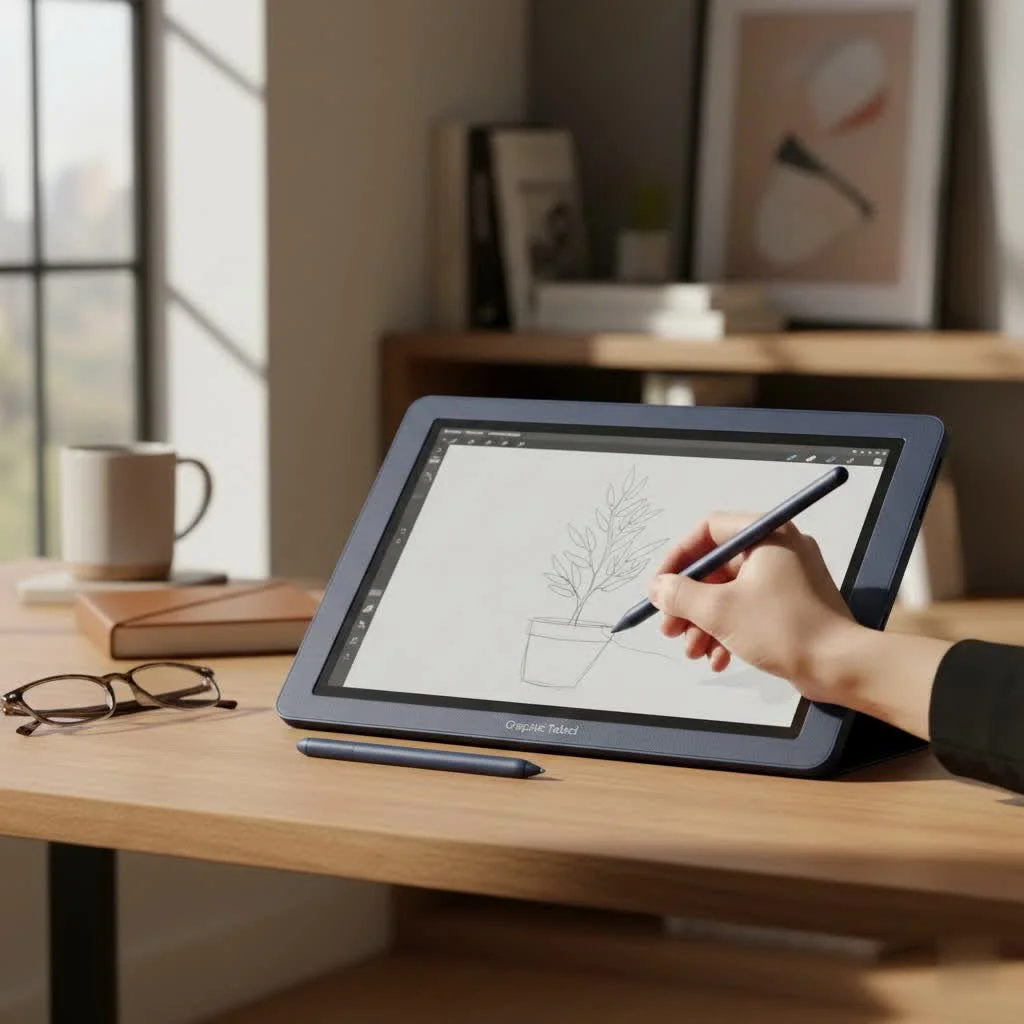
At its core, a graphic tablet is a device that lets you draw on its surface with a stylus, or pen, and see the results appear on your computer monitor. It replaces your mouse for artistic tasks, offering a far more intuitive and natural way to create. There are two main types:
- Standard Pen Tablets: These are the most common starting point. You draw on the tablet’s blank surface and look up at your computer screen to see your strokes. There’s a slight learning curve to the hand-eye coordination, but it quickly becomes second nature.
- Pen Displays: These have a built-in screen, so you can draw directly on the surface where your image appears. They offer a more direct drawing experience but come at a significantly higher price point. For most beginners, a standard pen tablet is the perfect, budget-friendly choice.
Key Features to Look for in a Graphic Tablet for Beginners
When you’re browsing options, you’ll encounter a lot of technical specifications. Let’s break down the only ones that truly matter for someone starting out.
Active Area Size
The “active area” is the part of the tablet that detects your pen. It’s your digital canvas. While bigger might seem better, it’s about finding a comfortable fit for your drawing style and desk space.
- Small (around 6×4 inches): Great for portability and users with limited desk space. Ideal if you draw from your wrist.
- Medium (around 8×5 to 10×6 inches): The sweet spot for most beginners. It offers enough room to draw from your arm, allowing for broader, more fluid strokes, without being too bulky.
- Large (10×6 inches and up): Generally preferred by professionals who need expansive canvases and work on large monitors.
My advice? Start with a medium-sized tablet. It’s the most versatile and won’t feel restrictive as your skills grow.
Pressure Sensitivity
|
Our Picks for the Best Graphic Tablet in 2026
As an Amazon Associate I earn from qualifying purchases.
|
||
| Num | Product | Action |
|---|---|---|
| 1 | HUION Drawing Tablet HS610 Graphic Tablet with Battery-Free Stylus 8192 Pen Pressure Tilt Function, 10x6.25 Inches Digital Art for Animation & Design, Compatible with Windows/Mac/Android |

|
| 2 | HUION Inspiroy H1060P Graphics Drawing Tablet with 8192 Pressure Sensitivity Battery-Free Stylus and 12 Customized Hot Keys, 10 x 6.25 inches Digital Art Tablet for Mac, Windows PC and Android |
|
| 3 | Wacom Intuos Pro Medium Bluetooth Professional Graphic Drawing Tablet with Pro Pen 3, Compatible with Mac, Windows - 2025 Edition |
|
| 4 | HUION KAMVAS Pro 16 Drawing Tablet with Screen, 15.6 inch Pen Display Anti-Glare Glass 6 Shortcut Keys Adjustable Stand, Graphics Tablet for Drawing, Writing, Design, Work with Windows, Mac and Linux |
|
| 5 | Graphics Drawing Tablet, UGEE M708 10 x 6 inch Large Drawing Tablet with 8 Hot Keys, Passive Stylus of 16384 Levels Pressure, UGEE M708 Graphics Tablet for Paint, Design, Art Creation Sketch |
|
| 6 | Drawing Tablet for Beginner Graphics OSU Tablet with Battery-Free Stylus 8192 Pressure Sensitive for Digital Art, Painting & Design, Compatible with Windows, Mac OS and Android |
|
| 7 | XOPPOX Graphics Drawing Tablet 10 x 6 Inch Large Active Area with 8192 Levels Battery-Free Pen and 12 Hot Keys, Compatible with PC/Mac/Android OS for Painting, Design & Online Teaching Black |
|
| 8 | GAOMON M10K Drawing Tablet, 10x6 inch Large Graphics Tablet with Touch Ring, 8192 Levels Battery-Free Stylus, 10 Hot Keys, Art Tablet for Design, Writing, Editing, Work with Mac, Windows, Android |
|
| 9 | HUION Inspiroy H640P Drawing Tablet, 6x4 inch Digital Art with Battery-Free Stylus, 8192 Pen Pressure, 6 Hot Keys, Graphics Tablet for Drawing, Writing, Design, Teaching, Work with Mac, PC & Mobile |
|
| 10 | HUION Kamvas 13 (Gen 3) Drawing Tablet with Screen,13.3\" Full-Laminated Art Tablet with Anti-Sparkle Canvas Glass 2.0, 99% sRGB, PenTech 4.0, 16384 Pen Pressure, Dual Dial for PC, Mac, Android, Black |
|
This feature determines how the tablet interprets the force you apply with the pen. More pressure creates thicker, darker lines, while a lighter touch yields thinner, fainter ones—just like a real pencil. Pressure levels are measured in “levels.”
You’ll see tablets with 2,048, 4,096, or 8,192 levels of pressure sensitivity. Honestly, for a beginner, anything over 2,048 levels is more than enough. The difference between 4,096 and 8,192 is practically indistinguishable for most artists, so don’t let this number be the sole deciding factor.
Resolution (LPI)
LPI, or Lines Per Inch, refers to how many digital lines can fit into one inch of the tablet’s screen. A higher LPI means the tablet can detect finer details in your pen movements. Most modern beginner tablets have an LPI of 2,540 or more, which is perfectly adequate for high-definition work. Like pressure sensitivity, once you hit a certain threshold, the difference becomes minimal for a new user.
Battery-Free Pen
This is a huge quality-of-life feature. A battery-free pen, powered by the tablet itself through electromagnetic resonance (EMR), is lighter and more comfortable to hold. You’ll never have to worry about charging it or the battery dying mid-creation. I strongly recommend choosing a graphic tablet for beginners that comes with a battery-free stylus.
Express Keys
These are customizable physical buttons on the side of the tablet. You can program them to perform your favorite shortcuts, like “Undo,” “Zoom In/Out,” or “Change Brush Size.” They are incredibly useful for speeding up your workflow and keeping you in a creative flow state without constantly reaching for your keyboard.
“Express keys transform your workflow from a series of clicks into a fluid conversation with your software. For a beginner, mastering just two or three shortcuts—like undo and brush size—can dramatically boost confidence and speed.” – Alex Chen, Lead Designer at Kagbz.com
Top Brands for Beginner Graphic Tablets
For years, Wacom was the undisputed king, but today, excellent, budget-friendly competitors offer fantastic value.
- Wacom: The industry standard, known for its premium build quality and reliability. Their entry-level “Intuos” line is a fantastic starting point for any new artist.
- Huion: A major competitor that offers incredible features for the price. Their “Inspiroy” series provides a professional-level experience on a beginner’s budget.
- XPPen: Another excellent brand that delivers high-quality tablets at very competitive prices. Their “Deco” series is incredibly popular with beginners and hobbyists.
You can’t go wrong with any of these three brands. Your choice will likely come down to budget and specific features.
How to Get Started With Your New Tablet
You’ve unboxed your new graphic tablet for beginners. Now what? The setup is simpler than you think.
- Don’t Use the Included CD: The drivers on the included disc are almost always outdated. Go directly to the manufacturer’s website (Wacom, Huion, or XPPen) and download the latest driver for your specific model.
- Install the Driver: Before plugging in the tablet, uninstall any old tablet drivers you might have. Then, run the installer for the new driver and follow the on-screen instructions.
- Plug In and Configure: Once the driver is installed, connect your tablet to your computer via its USB cable. Your computer should recognize it immediately. Open the tablet’s control panel to customize your settings, like pen pressure and Express Key shortcuts.
- Practice, Practice, Practice: Open your favorite art software (Krita is a fantastic free option). Don’t try to create a masterpiece on day one. Just doodle. Draw lines, circles, and squares. Get a feel for the hand-eye coordination. It might feel awkward for an hour or two, but your brain will adapt quickly.
Frequently Asked Questions (FAQ)
What’s the best software to use with a graphic tablet for beginners?
For beginners, I highly recommend starting with free software. Krita is a powerful, professional-grade digital painting program that is completely free. GIMP is another excellent free image editor. If you’re ready to invest, Adobe Photoshop and Clip Studio Paint are industry standards.
Is it hard to learn to use a graphic tablet?
There is a small learning curve, mainly with hand-eye coordination on a non-screen tablet. Most users feel comfortable within a few days of consistent practice. The key is to be patient with yourself and focus on simple exercises at first.
How much should I spend on my first tablet?
You can get a fantastic, high-quality graphic tablet for beginners for anywhere between $50 and $100. There’s no need to spend more than that when you’re just starting. Brands like Huion and XPPen offer amazing value in this price range.
Do I need a tablet with a screen?
No, a screen tablet (or pen display) is a luxury, not a necessity. A standard pen tablet is more than capable of producing professional work and is the perfect tool to learn the fundamentals of digital art without a hefty financial investment.
Can I use a graphic tablet as a mouse?
Yes! A graphic tablet can do everything a mouse can. You can navigate your desktop, click icons, and browse the web just by hovering the pen over the tablet surface and tapping to click. Many people find it to be a more ergonomic option than a traditional mouse.
Your Creative Journey Starts Now
Choosing your first graphic tablet for beginners is less about finding the “best” specs and more about finding the right tool to unlock your potential. Focus on a comfortable size, a battery-free pen, and useful features like express keys. Don’t get caught up in chasing the highest numbers. The most important thing is to get a tablet in your hands and start creating. That’s how you’ll truly grow as an artist. Pick a tool that excites you, be patient with the learning process, and welcome to the amazing world of digital art.
Get our weekly buyer guide
Practical specs, not advice. Unsubscribe anytime.
