Navigating the world of digital art tools can be daunting, but finding the right equipment is the first step toward unleashing your creativity. For years, artists have sought powerful, responsive, and affordable tools, and that’s where the Huion graphic drawing tablet lineup truly shines. Whether you’re a seasoned professional or just starting, Huion offers a compelling range of devices that balance cutting-edge features with an accessible price point, making them a formidable choice in the creative industry.
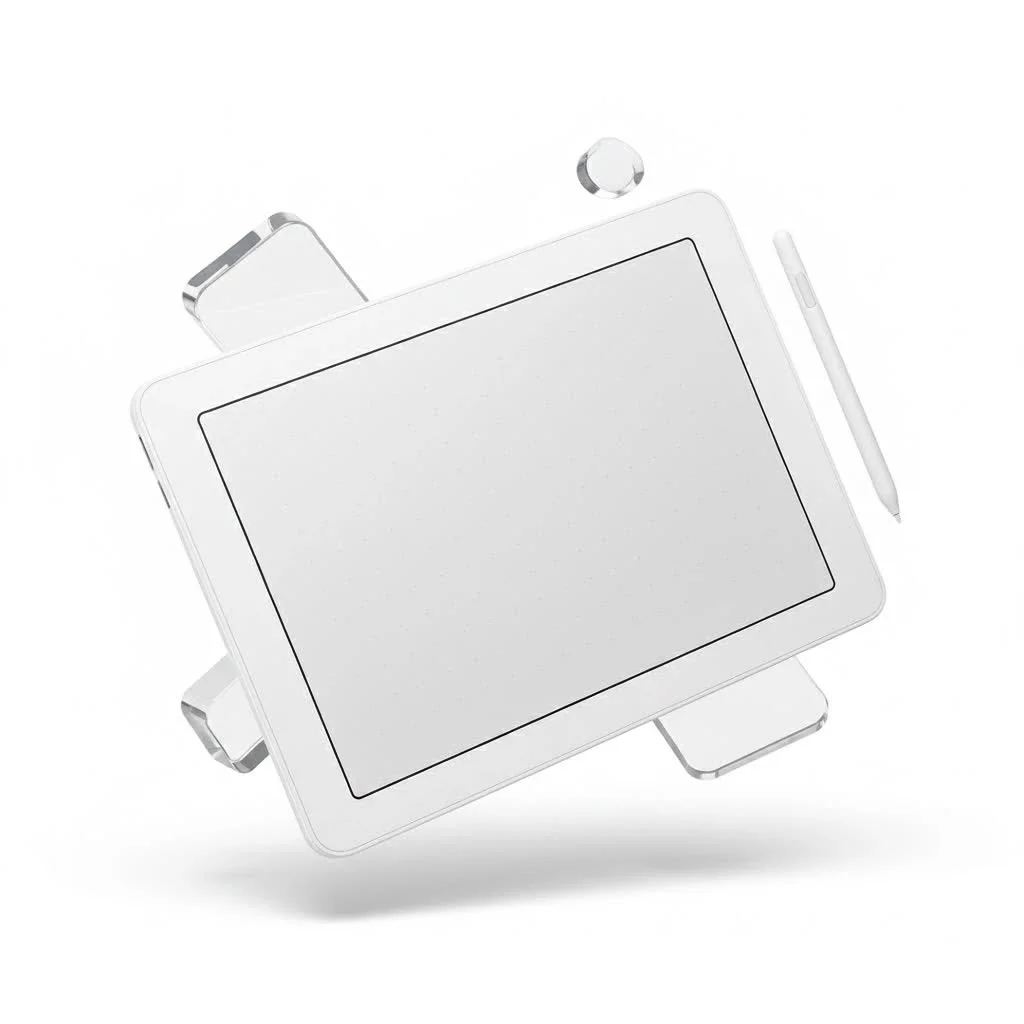
This guide will walk you through everything you need to know about choosing the perfect Huion tablet. We’ll explore the different types of tablets, break down the key features to look for, and help you find a model that fits your unique artistic workflow.
Why Choose a Huion Graphic Drawing Tablet?
For a long time, the graphic tablet market was dominated by a single big name. Huion emerged as a game-changer, offering professional-grade technology without the professional-grade price tag. Today, they are celebrated for providing high-quality tablets that empower artists of all levels.
Here’s why Huion has become a go-to brand for creatives worldwide:
- Exceptional Value: Huion delivers impressive specifications, including high levels of pressure sensitivity, excellent screen resolution, and durable build quality, at a fraction of the cost of its competitors.
- Wide Selection: From the simple and portable Inspiroy pen tablets to the immersive, high-definition Kamvas pen displays, there is a Huion tablet for every need and budget.
- Innovative Pen Technology: With features like battery-free styluses and advanced tilt recognition, Huion pens provide a natural and intuitive drawing experience that closely mimics traditional media.
Pen Tablets vs. Pen Displays: Which Is Right for You?
Huion’s product line is primarily divided into two categories: pen tablets and pen displays. Understanding the difference is crucial to selecting the right tool for your work.
The Inspiroy Series: Your Creative Starting Point
A pen tablet, like those in the Huion Inspiroy series, is a solid, opaque slate that you draw on while looking at your computer monitor. It connects to your computer via a USB cable. This requires a bit of hand-eye coordination, but it’s a skill that many artists quickly master.
Who are they for?
Pen tablets are perfect for beginners, students, and professionals on a budget. They are also highly portable, making them a great option for artists who need to work on the go. They excel at tasks like digital illustration, photo editing, and graphic design.
The Kamvas Series: Drawing Directly on Screen
|
Our Picks for the Best Graphic Tablet in 2026
As an Amazon Associate I earn from qualifying purchases.
|
||
| Num | Product | Action |
|---|---|---|
| 1 | HUION KAMVAS Pro 16 Drawing Tablet with Screen, 15.6 inch Pen Display Anti-Glare Glass 6 Shortcut Keys Adjustable Stand, Graphics Tablet for Drawing, Writing, Design, Work with Windows, Mac and Linux |

|
| 2 | GAOMON M10K Drawing Tablet, 10x6 inch Large Graphics Tablet with Touch Ring, 8192 Levels Battery-Free Stylus, 10 Hot Keys, Art Tablet for Design, Writing, Editing, Work with Mac, Windows, Android |
|
| 3 | XOPPOX Graphics Drawing Tablet 10 x 6 Inch Large Active Area with 8192 Levels Battery-Free Pen and 12 Hot Keys, Compatible with PC/Mac/Android OS for Painting, Design & Online Teaching Black |
|
| 4 | HUION Inspiroy H1060P Graphics Drawing Tablet with 8192 Pressure Sensitivity Battery-Free Stylus and 12 Customized Hot Keys, 10 x 6.25 inches Digital Art Tablet for Mac, Windows PC and Android |
|
| 5 | HUION Drawing Tablet HS610 Graphic Tablet with Battery-Free Stylus 8192 Pen Pressure Tilt Function, 10x6.25 Inches Digital Art for Animation & Design, Compatible with Windows/Mac/Android |
|
| 6 | Drawing Tablet for Beginner Graphics OSU Tablet with Battery-Free Stylus 8192 Pressure Sensitive for Digital Art, Painting & Design, Compatible with Windows, Mac OS and Android |
|
| 7 | HUION Inspiroy H640P Drawing Tablet, 6x4 inch Digital Art with Battery-Free Stylus, 8192 Pen Pressure, 6 Hot Keys, Graphics Tablet for Drawing, Writing, Design, Teaching, Work with Mac, PC & Mobile |
|
| 8 | Wacom Intuos Pro Medium Bluetooth Professional Graphic Drawing Tablet with Pro Pen 3, Compatible with Mac, Windows - 2025 Edition |
|
| 9 | HUION Kamvas 13 (Gen 3) Drawing Tablet with Screen,13.3\" Full-Laminated Art Tablet with Anti-Sparkle Canvas Glass 2.0, 99% sRGB, PenTech 4.0, 16384 Pen Pressure, Dual Dial for PC, Mac, Android, Black |
|
| 10 | Graphics Drawing Tablet, UGEE M708 10 x 6 inch Large Drawing Tablet with 8 Hot Keys, Passive Stylus of 16384 Levels Pressure, UGEE M708 Graphics Tablet for Paint, Design, Art Creation Sketch |
|
A pen display, like the popular Huion Kamvas series, features a built-in screen that you draw directly onto. This creates a more intuitive and immersive experience, as you can see the lines appear directly under your pen tip, just like drawing on paper.
Who are they for?
Pen displays are favored by professional illustrators, animators, and designers who benefit from the direct drawing workflow. If your work involves intricate line art or detailed digital painting, the immediate feedback of a pen display can significantly speed up your process.
“The jump from a pen tablet to a pen display can be a revelation for an artist’s workflow,” notes digital art educator Alex Chen. “The intuitive nature of drawing on a screen like the Huion Kamvas allows for faster, more precise strokes, which is invaluable for professional work.”
How to Choose the Best Huion Tablet for Your Needs
With a wide array of models available, picking the right Huion graphic drawing tablet comes down to evaluating a few key factors based on your personal needs.
Active Drawing Area and Size
The “active area” is the part of the tablet’s surface that detects the pen. A larger active area provides more room to make broad, sweeping strokes, which can feel more comfortable. However, larger tablets are less portable and take up more desk space. Consider your workspace and whether you’ll be traveling with your tablet when making your decision.
Pen Pressure Sensitivity
Pressure sensitivity determines how the tablet interprets the force you apply with the stylus. Higher levels of pressure sensitivity allow for greater control over line weight and opacity, enabling subtle variations from thin, light strokes to thick, bold lines. Most Huion tablets offer 8,192 levels of pressure sensitivity, which is more than enough for even the most demanding professional work.
Resolution (LPI)
Lines Per Inch (LPI) refers to the resolution of the tablet’s surface. A higher LPI means the tablet can detect more detail, resulting in smoother, more precise lines. This is especially important for artists who work on high-resolution illustrations.
Customizable Express Keys
Many Huion tablets come equipped with programmable shortcut buttons, known as Express Keys. These can be assigned to your most-used commands and tools, such as undo, zoom, or switching brushes. Customizing these keys can dramatically improve your workflow and reduce your reliance on your keyboard.
Getting Started: Setting Up Your Huion Tablet
Setting up your Huion tablet is a straightforward process. The first and most crucial step is to install the correct driver.
- Visit the Official Huion Website: Navigate to the support or download section on Huion’s official site.
- Find Your Model: Select the driver that corresponds to your specific tablet model and computer operating system (Windows or macOS).
- Install the Driver: Before plugging in your tablet, download and run the installer. It’s best practice to disable any antivirus software temporarily and uninstall any previous tablet drivers to prevent conflicts.
- Connect and Configure: Once the driver is installed, restart your computer. Then, connect your tablet. The driver software will automatically detect it, allowing you to calibrate the screen, customize pressure sensitivity, and assign your Express Keys.
- Start Creating: Open your favorite art software, like Adobe Photoshop, Clip Studio Paint, or Krita, and start drawing!
Frequently Asked Questions (FAQ)
What is the best Huion tablet for a beginner?
The Huion Inspiroy series is an excellent starting point. Models like the Inspiroy H610 Pro V2 offer a generous drawing area and professional features at a very affordable price, making them perfect for learning digital art.
Are Huion tablets as good as Wacom?
Huion has rapidly closed the technology gap and is now considered a strong competitor to Wacom. For many artists, the performance is comparable, and Huion often provides better value for the price, making it a preferred choice for both hobbyists and professionals.
Do I need a computer to use a Huion tablet?
Yes, most Huion tablets, including the Inspiroy and Kamvas lines, function as input devices and must be connected to a Windows or macOS computer. Some models also offer Android compatibility for on-the-go creation with a smartphone or tablet.
How do I clean my Huion tablet screen?
For Kamvas displays, use a soft, microfiber cloth slightly dampened with water or a screen-safe cleaning solution. For Inspiroy tablets, a dry microfiber cloth is usually sufficient to wipe away dust and fingerprints.
Can a Huion tablet be used as a mouse?
Absolutely. The stylus can be used to navigate your computer’s operating system, click on icons, and perform all the functions of a standard mouse, offering a more ergonomic alternative.
Your Creative Journey Starts Here
Choosing a Huion graphic drawing tablet is a smart investment in your creative future. By offering a powerful combination of performance, features, and affordability, Huion has made professional-level digital art tools accessible to everyone. By considering your personal workflow, artistic goals, and budget, you can confidently select a tablet that will not only meet your needs but also inspire you to create your best work yet.
Get our weekly buyer guide
Practical specs, not advice. Unsubscribe anytime.
