There’s a unique excitement in deciding to buy a new graphic tablet. You’re ready to bring your digital art to life, but the big question is, where do you get one? While online shopping offers endless choice, searching for a “Graphic Tablet Near Me” shows you’re looking for something more immediate and tangible. You want to see it, maybe even hold it, before you commit. This guide is for you. We’ll walk through the best places to find a drawing tablet locally and how to make a smart purchase right in your neighborhood.
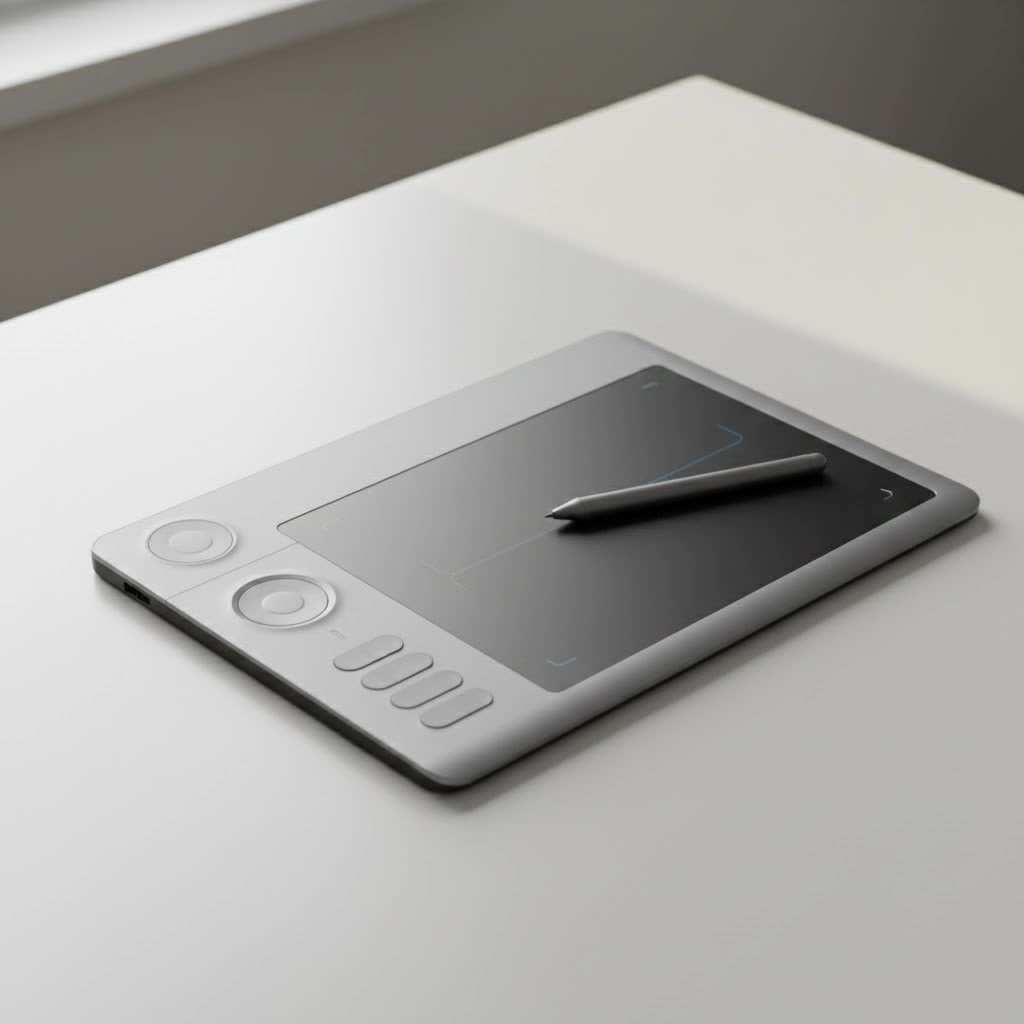
Why Buy a Graphic Tablet In-Store?
In an age of one-click online shopping, heading to a physical store might seem old-fashioned. However, when it comes to a tool as personal as a graphic tablet, the in-person experience offers undeniable advantages.
- Hands-On Feel: You get to see the tablet’s size, feel the texture of the drawing surface, and hold the stylus. Is the pen comfortable? Does the tablet feel sturdy? These are questions best answered by a hands-on experience.
- No Shipping Delays: When inspiration strikes, you don’t want to wait days for a delivery. Buying locally means you can have your new tablet set up and ready to go on the same day.
- Expert Advice: In the right store, you can talk to a knowledgeable salesperson who can answer your questions, compare models, and help you find a tablet that fits your specific needs and budget.
- Easier Returns: If something is wrong with the device, returning it to a local store is often much simpler and faster than dealing with online return shipping.
What Types of Stores Sell Graphic Tablets Near Me?
Your success in finding a graphic tablet locally depends entirely on knowing where to look. Not all stores are created equal, and the selection can vary wildly. Here are the most likely places to check out.
Major Electronics Retailers
Stores like Best Buy or Micro Center are often the best starting point in your search for a graphic tablet near you.
- What to Expect: These retailers typically carry popular brands like Wacom and occasionally Huion. You’ll find a range of models, from entry-level tablets like the Wacom Intuos to more advanced screen displays.
- Pros: They often have demo units on display, allowing you to try before you buy. Their staff may have some training on the products, and they offer competitive pricing and solid return policies.
- Cons: The selection might be focused on the most popular models, so you may not find niche brands or the very latest releases.
|
Our Picks for the Best Graphic Tablet in 2026
As an Amazon Associate I earn from qualifying purchases.
|
||
| Num | Product | Action |
|---|---|---|
| 1 | GAOMON M10K Drawing Tablet, 10x6 inch Large Graphics Tablet with Touch Ring, 8192 Levels Battery-Free Stylus, 10 Hot Keys, Art Tablet for Design, Writing, Editing, Work with Mac, Windows, Android |

|
| 2 | Drawing Tablet for Beginner Graphics OSU Tablet with Battery-Free Stylus 8192 Pressure Sensitive for Digital Art, Painting & Design, Compatible with Windows, Mac OS and Android |
|
| 3 | HUION Inspiroy H1060P Graphics Drawing Tablet with 8192 Pressure Sensitivity Battery-Free Stylus and 12 Customized Hot Keys, 10 x 6.25 inches Digital Art Tablet for Mac, Windows PC and Android |
|
| 4 | HUION Kamvas 13 (Gen 3) Drawing Tablet with Screen,13.3\" Full-Laminated Art Tablet with Anti-Sparkle Canvas Glass 2.0, 99% sRGB, PenTech 4.0, 16384 Pen Pressure, Dual Dial for PC, Mac, Android, Black |
|
| 5 | HUION Drawing Tablet HS610 Graphic Tablet with Battery-Free Stylus 8192 Pen Pressure Tilt Function, 10x6.25 Inches Digital Art for Animation & Design, Compatible with Windows/Mac/Android |
|
| 6 | HUION Inspiroy H640P Drawing Tablet, 6x4 inch Digital Art with Battery-Free Stylus, 8192 Pen Pressure, 6 Hot Keys, Graphics Tablet for Drawing, Writing, Design, Teaching, Work with Mac, PC & Mobile |
|
| 7 | HUION KAMVAS Pro 16 Drawing Tablet with Screen, 15.6 inch Pen Display Anti-Glare Glass 6 Shortcut Keys Adjustable Stand, Graphics Tablet for Drawing, Writing, Design, Work with Windows, Mac and Linux |
|
| 8 | Graphics Drawing Tablet, UGEE M708 10 x 6 inch Large Drawing Tablet with 8 Hot Keys, Passive Stylus of 16384 Levels Pressure, UGEE M708 Graphics Tablet for Paint, Design, Art Creation Sketch |
|
| 9 | Wacom Intuos Pro Medium Bluetooth Professional Graphic Drawing Tablet with Pro Pen 3, Compatible with Mac, Windows - 2025 Edition |
|
| 10 | XOPPOX Graphics Drawing Tablet 10 x 6 Inch Large Active Area with 8192 Levels Battery-Free Pen and 12 Hot Keys, Compatible with PC/Mac/Android OS for Painting, Design & Online Teaching Black |
|
Office Supply Stores
Chains like Staples or Office Depot sometimes stock graphic tablets, though their selection is usually more limited.
- What to Expect: You’ll likely find basic, non-screen tablets aimed at beginners, students, or for business applications like digital signatures.
- Pros: These stores are very common, making them a convenient option to check.
- Cons: Don’t expect a wide variety or high-end models. The staff’s product knowledge may also be limited compared to a specialized electronics store.
Art Supply Stores
Dedicated art supply stores, such as Blick Art Materials or local independent shops, are another excellent possibility.
- What to Expect: These stores cater specifically to artists, so they understand the product category well. However, their digital art section can be hit-or-miss.
- Pros: The staff are artists themselves and can offer practical advice from a user’s perspective. You might find tablets alongside other digital art tools.
- Cons: Their inventory might be small and potentially priced higher than big-box retailers.
As a professional designer, I always recommend feeling the pen-on-surface texture. Javier Rodriguez, a seasoned graphic artist, notes, “The friction and glide of a stylus are incredibly personal. What feels like drawing on glass to one person feels perfect to another. You can only discover that by trying it in person.”
How to Choose the Right Graphic Tablet in a Store
Once you’ve found a store, you need a plan. Walking in unprepared can lead to confusion or a purchase that doesn’t fit your needs.
Know Your Needs Before You Go
Before you even leave the house, have a clear idea of what you’re looking for. Ask yourself:
- What is my skill level? Are you a complete beginner or a seasoned professional?
- What will I use it for? Is it for photo editing, digital painting, 3D sculpting, or simple note-taking?
- Do I want a screen? A pen display (which has a screen) offers a more direct drawing experience but is significantly more expensive than a standard pen tablet (which is a screenless pad).
- What is my budget? Set a realistic price range.
What to Test In-Store
If the store has a display model, take full advantage of it.
- Pen Comfort: Hold the stylus. Does it feel balanced? Is the grip comfortable for your hand size?
- Surface Feel: Glide the pen across the tablet surface. Does it feel too slippery or too rough?
- Pressure Sensitivity: If it’s connected to a computer, open a simple drawing program. Make light and heavy strokes to see how it responds to pressure.
- Size and Ergonomics: Consider the physical size of the tablet. Will it fit on your desk? Is the active drawing area large enough for your drawing style?
Online vs. Local: Which Is Better for You?
Both buying options have their merits. The best choice depends on your priorities. Here’s a quick comparison:
| Feature | Buying Locally | Buying Online |
|---|---|---|
| Selection | Limited to store inventory | Virtually unlimited |
| Price | Generally fixed, occasional sales | Highly competitive, frequent deals |
| Experience | Hands-on testing, immediate purchase | Based on reviews and specs |
| Advice | In-person help from staff | Community forums and video reviews |
| Convenience | Instant gratification | Delivered to your door |
| Returns | Simple, in-person process | Can involve shipping and waiting |
Frequently Asked Questions (FAQ)
Can I find brands like Huion or Xencelabs in local stores?
While Wacom is the most common brand found in physical retail, some larger electronics stores like Micro Center are beginning to carry brands like Huion. Xencelabs and other niche brands are still primarily sold online.
What should I expect to pay for a beginner graphic tablet near me?
For a good quality, entry-level screenless tablet (like a Wacom Intuos Small or Huion Inspiroy), you can expect to pay anywhere from $50 to $100 in a retail store.
Do stores typically offer a warranty on graphic tablets?
Yes, any new graphic tablet you buy from an authorized retailer will come with the standard manufacturer’s warranty. Many stores also offer their own extended protection plans for an additional cost.
Is it cheaper to buy a graphic tablet online?
Often, yes. Online retailers have lower overhead and more competition, which can lead to lower prices and more frequent sales. However, the convenience of buying locally can sometimes be worth a small price difference.
What if the store doesn’t have a demo unit to test?
In this case, you’ll have to rely on the product’s packaging and any information the sales staff can provide. Be sure to ask about the store’s return policy. A 14 or 30-day return window will give you a risk-free period to test it at home.
Your Next Step in Digital Art
Searching for a “graphic tablet near me” is the perfect first step toward making a confident and informed purchase. By visiting a local store, you gain the invaluable experience of seeing and feeling the tool that will become an extension of your creative mind. Weigh the convenience of a local purchase against the wider selection online, know what you’re looking for before you go, and don’t be afraid to ask questions. Your perfect graphic tablet is out there, and it might just be a short drive away.
