Navigating the world of graphic tablets can feel overwhelming, especially when you look at the prices. You’ll see some for the cost of a fancy coffee and others that rival a high-end laptop. This huge range makes it tough to figure out what you actually need. Understanding the Graphic Tablet Price landscape is the first step to finding the perfect tool without overspending. Whether you’re a budding artist or a seasoned professional, this guide will break down the costs, features, and tiers to help you make a smart investment in your creativity.
What Factors Determine a Graphic Tablet’s Price?
The price tag on a drawing tablet isn’t arbitrary. It’s a reflection of its technology, build quality, and capabilities. Several key factors work together to determine the final cost, and knowing them will help you identify what’s a necessity and what’s a luxury for your specific workflow.
Tablet Type: The Biggest Price Shaper
The most significant factor influencing price is the type of tablet you choose. There are three main categories:
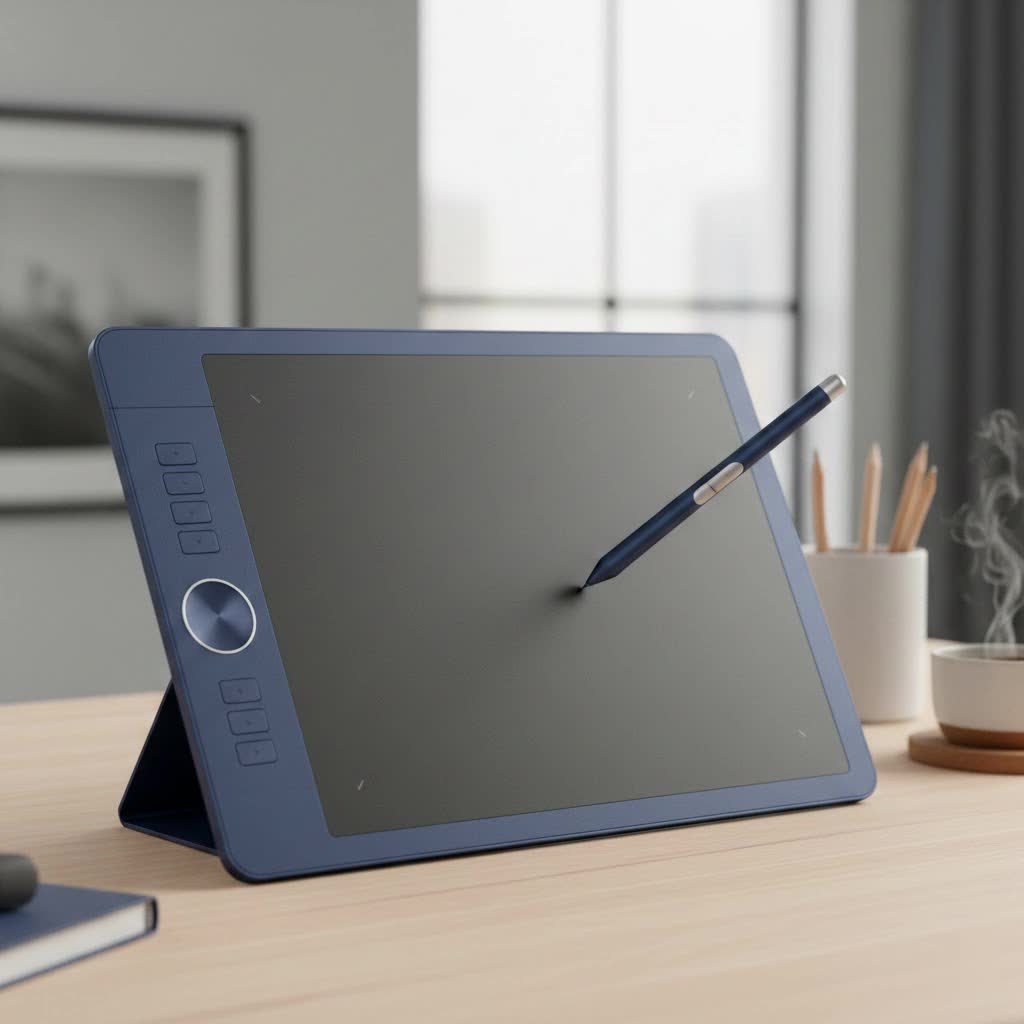
- Pen Tablets: These are the most affordable and common type. They consist of a simple, screen-less plastic slate that you draw on with a stylus, watching the results appear on your connected computer monitor. They are durable, portable, and perfect for beginners.
- Pen Displays: These are a major step up. They feature a built-in screen that you can draw on directly, creating a more natural and intuitive experience similar to traditional art. The added cost comes from the screen technology, which includes resolution, color accuracy, and parallax (the gap between the pen tip and the cursor).
- Standalone/Tablet Computers: These are all-in-one solutions like an iPad Pro or Microsoft Surface Pro. They are fully functional computers that you can draw on, offering the most portability and power. Unsurprisingly, they are also the most expensive option as you’re paying for a complete computing device.
|
Our Picks for the Best Graphic Tablet in 2026
As an Amazon Associate I earn from qualifying purchases.
|
||
| Num | Product | Action |
|---|---|---|
| 1 | HUION Inspiroy H640P Drawing Tablet, 6x4 inch Digital Art with Battery-Free Stylus, 8192 Pen Pressure, 6 Hot Keys, Graphics Tablet for Drawing, Writing, Design, Teaching, Work with Mac, PC & Mobile |

|
| 2 | HUION KAMVAS Pro 16 Drawing Tablet with Screen, 15.6 inch Pen Display Anti-Glare Glass 6 Shortcut Keys Adjustable Stand, Graphics Tablet for Drawing, Writing, Design, Work with Windows, Mac and Linux |
|
| 3 | Wacom Intuos Pro Medium Bluetooth Professional Graphic Drawing Tablet with Pro Pen 3, Compatible with Mac, Windows - 2025 Edition |
|
| 4 | HUION Inspiroy H1060P Graphics Drawing Tablet with 8192 Pressure Sensitivity Battery-Free Stylus and 12 Customized Hot Keys, 10 x 6.25 inches Digital Art Tablet for Mac, Windows PC and Android |
|
| 5 | GAOMON M10K Drawing Tablet, 10x6 inch Large Graphics Tablet with Touch Ring, 8192 Levels Battery-Free Stylus, 10 Hot Keys, Art Tablet for Design, Writing, Editing, Work with Mac, Windows, Android |
|
| 6 | Graphics Drawing Tablet, UGEE M708 10 x 6 inch Large Drawing Tablet with 8 Hot Keys, Passive Stylus of 16384 Levels Pressure, UGEE M708 Graphics Tablet for Paint, Design, Art Creation Sketch |
|
| 7 | HUION Kamvas 13 (Gen 3) Drawing Tablet with Screen,13.3\" Full-Laminated Art Tablet with Anti-Sparkle Canvas Glass 2.0, 99% sRGB, PenTech 4.0, 16384 Pen Pressure, Dual Dial for PC, Mac, Android, Black |
|
| 8 | XOPPOX Graphics Drawing Tablet 10 x 6 Inch Large Active Area with 8192 Levels Battery-Free Pen and 12 Hot Keys, Compatible with PC/Mac/Android OS for Painting, Design & Online Teaching Black |
|
| 9 | Drawing Tablet for Beginner Graphics OSU Tablet with Battery-Free Stylus 8192 Pressure Sensitive for Digital Art, Painting & Design, Compatible with Windows, Mac OS and Android |
|
| 10 | HUION Drawing Tablet HS610 Graphic Tablet with Battery-Free Stylus 8192 Pen Pressure Tilt Function, 10x6.25 Inches Digital Art for Animation & Design, Compatible with Windows/Mac/Android |
|
Brand Reputation
Brand name plays a huge role in the graphic tablet price. Wacom has long been the industry leader, known for its premium build quality, reliable drivers, and cutting-edge pen technology. This reputation often comes with a higher price tag. However, brands like Huion and XP-Pen have emerged as powerful competitors, offering feature-rich tablets at a much more accessible price point, making them excellent choices for those on a budget.
Size and Active Area
The “active area” is the part of the tablet’s surface that detects the pen. As a general rule, a larger active area means a higher price. A bigger surface provides more room for broad, sweeping strokes, which can be more comfortable for some artists. However, a smaller tablet is more portable and can be just as effective, especially for beginners who are still developing their digital workflow.
Screen Quality (For Pen Displays)
If you’re opting for a pen display, the screen is where a large chunk of your money goes. Key specifications that drive up the price include:
- Resolution: Higher resolutions (like 2K or 4K) offer a crisper, more detailed image but cost significantly more than standard 1080p.
- Color Accuracy: Professionals need screens that can display a wide range of colors accurately (measured in % sRGB or Adobe RGB). Better color gamut equals a higher price.
- Lamination: A fully laminated screen reduces the gap between the glass and the display panel. This minimizes parallax, making it feel more like you’re drawing directly on the image, and adds to the cost.
Pressure Sensitivity and Pen Technology
Most modern tablets offer 8,192 levels of pressure sensitivity, which is more than enough for almost anyone. The real difference in price comes from the pen technology itself. Premium pens might feature tilt recognition, rotation sensitivity, and a battery-free EMR (Electro-Magnetic Resonance) design, which is considered the gold standard.
As digital art educator Sarah Jenkins often tells her students, “Don’t get fixated only on pressure levels. The real game-changer is a pen that feels balanced in your hand and has reliable, lag-free tracking. That’s where premium brands often justify their cost.”
Graphic Tablet Price Tiers: A Breakdown
To make things simpler, we can group graphic tablet prices into three main tiers. This helps you match your budget to your needs and expectations.
Entry-Level (Under $100)
This is the perfect starting point for beginners, students, or hobbyists. In this range, you’ll primarily find screen-less pen tablets from brands like Huion, XP-Pen, and Wacom’s entry-level Intuos line.
- What you get: A small to medium-sized drawing surface, a reliable pen with high pressure sensitivity, and basic shortcut keys.
- Best for: Learning digital art, photo editing, online whiteboarding, and OSU! gaming.
- Example: XP-Pen Deco series, Huion Inspiroy series.
Mid-Range ($100 – $500)
This tier is for serious hobbyists or aspiring professionals who need more features without breaking the bank. You’ll find larger, more advanced pen tablets and, importantly, entry-level pen displays. The graphic tablet price in this category offers the best balance of performance and value.
- What you get: Larger pen tablets with more customizable keys, or small-to-mid-sized (13-16 inch) pen displays with 1080p resolution.
- Best for: Illustrators, animators, and designers who want the efficiency of drawing directly on a screen.
- Example: Wacom Intuos Pro (Medium), Huion Kamvas 13, XP-Pen Artist 15.6 Pro.
Professional Grade ($500+)
This is the high-end territory for full-time professional artists, studios, and anyone who demands the absolute best. Prices can range from $500 to over $2,500. Here you will find the largest and most advanced pen displays and standalone tablet computers.
- What you get: Large (22-32 inch) pen displays with 2K or 4K resolution, exceptional color accuracy, virtually no parallax, and premium build quality.
- Best for: Professional digital painting, 3D sculpting, high-end photo retouching, and commercial design work.
- Example: Wacom Cintiq Pro series, Huion Kamvas Pro 24, iPad Pro.
Is a More Expensive Graphic Tablet Worth It?
This is the ultimate question. The answer depends entirely on your needs and skill level. For a beginner, an expensive tablet is not only unnecessary but can also be an intimidating waste of money. The fundamentals of digital art can be mastered on a simple $50 pen tablet.
However, for a professional artist, a high-end pen display is an investment that pays for itself. The improved workflow, color accuracy, and efficiency of drawing directly on a high-resolution screen can save hours of work, leading to a direct return on investment. The superior build quality also ensures it will withstand the rigors of daily use for years.
Frequently Asked Questions (FAQ)
What is a good graphic tablet price for a beginner?
For a beginner, a price range of $40 to $80 is a fantastic starting point. This will get you a high-quality, durable pen tablet from a reputable brand like Huion or XP-Pen that has all the essential features you need to learn and grow.
Why are Wacom tablets so expensive?
Wacom’s higher prices are due to their long-standing reputation, extensive research and development, premium build materials, and highly reliable driver software. They have historically set the industry standard, and their products are trusted by major animation and design studios worldwide.
Can I get a good drawing tablet with a screen for a cheap price?
Yes, absolutely. Brands like Huion and XP-Pen offer excellent entry-level pen displays for under $250. While they may not have the 4K resolution or perfect color accuracy of a professional Wacom Cintiq, they are more than capable for students and serious hobbyists.
Do I need to buy software separately?
Usually, yes. Most graphic tablets are hardware peripherals and do not come with professional-grade software like Adobe Photoshop or Clip Studio Paint. However, some tablets, especially those from Wacom, often come with bundled trial versions or even limited licenses for certain creative applications.
How often should I upgrade my graphic tablet?
Graphic tablets are incredibly durable. A well-cared-for tablet can easily last 5-10 years. You should only consider upgrading when your current tablet no longer meets your needs—for instance, if you’re a professional who needs the efficiency of a pen display or if your old tablet lacks compatibility with new operating systems.
Conclusion
Determining the right graphic tablet price for you isn’t about finding the cheapest option or splurging on the most expensive one. It’s about assessing your personal goals, skill level, and budget. For beginners, an affordable pen tablet is the smartest choice to learn the ropes. As your skills advance, you can invest in a more sophisticated tool like a pen display to enhance your workflow. The best tablet is the one that empowers you to create without getting in your way, and today, you can find that perfect tool at almost any price point.
