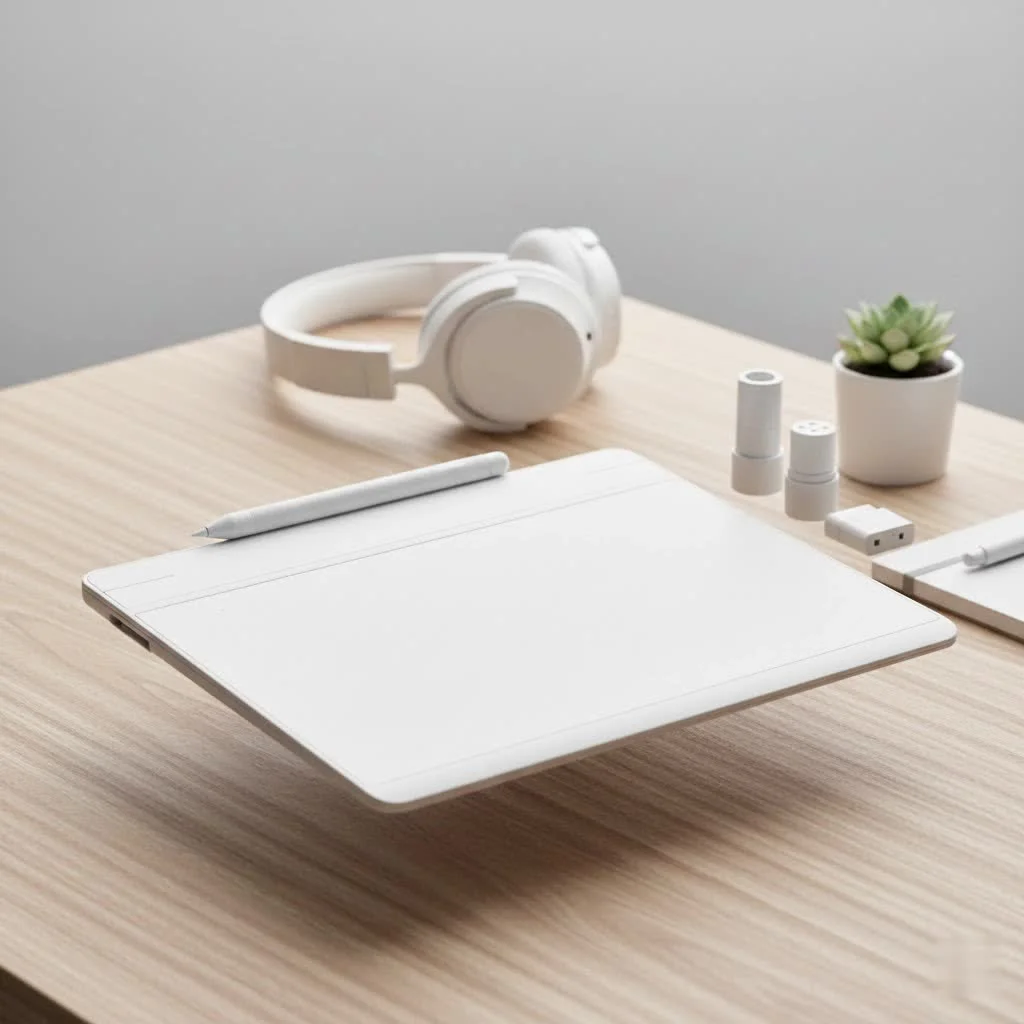
A graphic tablet without computer, also known as a standalone drawing tablet, is a fully independent device with its own screen, processor, storage, and operating system, allowing artists to create digital art anywhere without needing to connect to a separate computer. These all-in-one devices, such as the Apple iPad Pro or Wacom MobileStudio Pro, offer unmatched portability and an intuitive direct-drawing experience, revolutionizing the creative process for digital artists by providing a complete studio in one portable package.
 graphic tablet outdoors” style=”margin: 20px auto;width: 800px;max-width: 100%;height: auto” />
As a graphic designer with over 15 years in the industry, I’ve seen technology evolve dramatically. The move from traditional pen tablets to standalone devices is arguably one of the biggest leaps in creative freedom we’ve experienced. It’s about breaking down the barriers between your idea and the canvas, and these tablets do exactly that. For reviews buying guides on this site.
What Exactly Is a Standalone Graphic Tablet?
A standalone graphic tablet is a fully independent device with its own built-in screen, processor, storage, and operating system. Unlike traditional graphic tablets (like the Wacom Intuos or XP-Pen Deco series) that act as an input device for a separate computer, a standalone tablet is the entire studio in one sleek package. Think of it as a specialized laptop or a high-powered consumer tablet, but designed from the ground up with the creative professional in mind.
These devices merge the intuitive, direct drawing experience of a pen display with the portability of a sketchbook. You draw directly onto the screen where your artwork appears, creating a seamless and natural workflow that older, screen-less tablets simply can’t match.
Why Go Computer-Free? The Benefits of Portability
Choosing a graphic tablet that doesn’t need a computer is about more than just convenience; it’s about fundamentally changing how and where you create. Here are the key advantages that make them a major upgrade for modern artists.
- Unmatched Portability: This is the most obvious benefit. With a standalone tablet, your studio is as mobile as you are. This freedom allows you to capture inspiration as it happens, rather than waiting until you get back to your desk.
- All-in-One Simplicity: Forget about managing multiple devices, drivers, and a spaghetti monster of cables. A standalone tablet simplifies your setup, letting you focus purely on your art. Everything you need, from sketching to final rendering and even sharing your work, is on one device.
- Intuitive Drawing Experience: The disconnect of drawing on a black pad while looking at a separate monitor is eliminated. Drawing directly on the screen provides immediate visual feedback, making the process feel more like working with traditional pen and paper.
- Streamlined Workflow: With powerful processors and optimized software, these tablets handle demanding tasks with ease. You can start a sketch, develop it into a full illustration, and export it for a client without ever switching devices.
“The first time I took a standalone tablet to a park and sketched for hours, it was a revelation,” says digital art instructor Amelia Grant. “It wasn’t just about being outside; it was about the fluidity of thought. There’s no tech barrier, just you and your canvas. It completely revitalized my creative process.”
Key Features to Look For in a Standalone Tablet
Not all standalone tablets are created equal. When you’re ready to invest in a graphic tablet without computer, here are the critical features to evaluate to ensure it meets your artistic demands.
Display Quality: Your Digital Canvas
|
Our Picks for the Best Graphic Tablet in 2026
As an Amazon Associate I earn from qualifying purchases.
|
||
| Num | Product | Action |
|---|---|---|
| 1 | Drawing Tablet for Beginner Graphics OSU Tablet with Battery-Free Stylus 8192 Pressure Sensitive for Digital Art, Painting & Design, Compatible with Windows, Mac OS and Android |

|
| 2 | Wacom Intuos Pro Medium Bluetooth Professional Graphic Drawing Tablet with Pro Pen 3, Compatible with Mac, Windows - 2025 Edition |
|
| 3 | HUION Drawing Tablet HS610 Graphic Tablet with Battery-Free Stylus 8192 Pen Pressure Tilt Function, 10x6.25 Inches Digital Art for Animation & Design, Compatible with Windows/Mac/Android |
|
| 4 | Graphics Drawing Tablet, UGEE M708 10 x 6 inch Large Drawing Tablet with 8 Hot Keys, Passive Stylus of 16384 Levels Pressure, UGEE M708 Graphics Tablet for Paint, Design, Art Creation Sketch |
|
| 5 | HUION KAMVAS Pro 16 Drawing Tablet with Screen, 15.6 inch Pen Display Anti-Glare Glass 6 Shortcut Keys Adjustable Stand, Graphics Tablet for Drawing, Writing, Design, Work with Windows, Mac and Linux |
|
| 6 | HUION Kamvas 13 (Gen 3) Drawing Tablet with Screen,13.3\" Full-Laminated Art Tablet with Anti-Sparkle Canvas Glass 2.0, 99% sRGB, PenTech 4.0, 16384 Pen Pressure, Dual Dial for PC, Mac, Android, Black |
|
| 7 | HUION Inspiroy H1060P Graphics Drawing Tablet with 8192 Pressure Sensitivity Battery-Free Stylus and 12 Customized Hot Keys, 10 x 6.25 inches Digital Art Tablet for Mac, Windows PC and Android |
|
| 8 | GAOMON M10K Drawing Tablet, 10x6 inch Large Graphics Tablet with Touch Ring, 8192 Levels Battery-Free Stylus, 10 Hot Keys, Art Tablet for Design, Writing, Editing, Work with Mac, Windows, Android |
|
| 9 | HUION Inspiroy H640P Drawing Tablet, 6x4 inch Digital Art with Battery-Free Stylus, 8192 Pen Pressure, 6 Hot Keys, Graphics Tablet for Drawing, Writing, Design, Teaching, Work with Mac, PC & Mobile |
|
| 10 | XOPPOX Graphics Drawing Tablet 10 x 6 Inch Large Active Area with 8192 Levels Battery-Free Pen and 12 Hot Keys, Compatible with PC/Mac/Android OS for Painting, Design & Online Teaching Black |
|
The screen is your window to your work. Look for a high-resolution display (Full HD at a minimum, QHD or 4K is better) that shows crisp lines and details. Pay close attention to:
- Color Accuracy: A wide color gamut (like 99% Adobe RGB or DCI-P3) ensures the colors you see on screen are the colors that will appear in print or on other devices.
- Laminated Display: A fully laminated screen reduces the gap between the glass and the display layer. This minimizes parallax—the apparent offset between the pen tip and the cursor—making your strokes more precise.
- Surface Texture: Many artist-focused tablets have a matte, etched-glass surface that provides a slight resistance, beautifully mimicking the feel of drawing on paper.
Stylus Performance: Your Digital Brush
The stylus is your most important tool. Modern styluses offer incredible nuance and control.
- Pressure Sensitivity: Most professional tablets offer 8,192 levels of pressure sensitivity. This allows you to vary line weight and opacity simply by pressing harder or softer, just like a real pencil or brush.
- Tilt Support: This feature allows the tablet to recognize the angle of your stylus. It’s essential for creating broad, expressive strokes or simulating the effect of shading with the side of a pencil.
- Low Latency: Latency, or lag, is the delay between your physical stroke and the line appearing on the screen. A top-tier tablet will have minimal latency, making the drawing experience feel instantaneous and responsive.
Operating System and Software
The OS determines which creative apps you can use. The main players are Apple’s iPadOS, Android, and Windows.
- iPadOS: Famous for its stability and exclusive access to powerful apps like Procreate.
- Android: Offers great flexibility and a wide range of free and paid creative apps, such as Clip Studio Paint and Krita.
- Windows: Provides the full desktop experience, allowing you to run the complete Adobe Creative Suite (Photoshop, Illustrator) without any compromises. This is common on devices from Wacom and Huion’s “pen computer” lines.
Who Are Standalone Graphic Tablets For?
While the appeal is universal, these devices are particularly beneficial for certain types of creators:
- Professional Artists and Illustrators: For those who need to work on the go or prefer a minimalist setup, a powerful standalone tablet can easily become their primary creative tool.
- Students: Art and design students benefit immensely from the ability to take notes, sketch in class, and work on projects anywhere on campus without needing access to a computer lab.
- Hobbyists and Enthusiasts: For those passionate about digital art, a standalone tablet offers a lower barrier to entry. It’s an approachable, all-in-one solution that grows with your skills.
Frequently Asked Questions (FAQ)
What is a graphic tablet that works without a computer called?
It’s most commonly referred to as a “standalone drawing tablet” or sometimes a “pen computer.” This distinguishes it from traditional “pen tablets” or “pen displays” that require a host computer to function.
Is an iPad considered a standalone drawing tablet?
Absolutely. With the introduction of the Apple Pencil, the iPad (particularly the Pro and Air models) has become one of the most popular and powerful standalone drawing tablets on the market, largely due to its excellent hardware and access to professional-grade software like Procreate.
Are standalone tablets good for beginners?
Yes, they can be fantastic for beginners. Their all-in-one nature simplifies the setup process, and the direct drawing experience is often more intuitive for someone new to digital art. While the initial investment might be higher, you’re getting a complete system ready to go out of the box.
Can I run full desktop software like Photoshop on these tablets?
It depends on the operating system. Tablets running a full version of Windows, like the Wacom MobileStudio Pro or Huion Kamvas Studio, can run the complete desktop version of Adobe Photoshop. On iPadOS and Android, you can use powerful mobile versions of Photoshop and other apps from the Adobe suite, which are robust but may have some differences from their desktop counterparts.
What is the main difference in feel between a standalone tablet and a traditional one?
The main difference is the directness of the experience. With a standalone tablet, you are drawing on the image itself, which feels natural and immediate. With a traditional, screen-less tablet, there’s a learning curve to coordinate your hand movements on the tablet with the results you see on your computer monitor.
The Future of Art is Untethered
The rise of the graphic tablet without computer marks a significant shift towards a more flexible and accessible creative world. These powerful, portable studios empower artists to break free from the confines of their desks and create whenever and wherever inspiration strikes. Whether you are a seasoned professional looking for a more mobile workflow or a beginner taking your first steps into digital art, a standalone tablet offers a compelling, intuitive, and incredibly liberating way to bring your visions to life.
Get our weekly buyer guide
Practical specs, not advice. Unsubscribe anytime.
I picked up a standalone drawing tablet hoping to ditch my computer for quick design tasks. While the concept of an all-in-one device is appealing, I found the storage on my model to be a bit limiting for larger projects. I constantly have to manage files, which interrupts my workflow. It’s good for basic stuff, but for more intensive graphic design, I still find myself going back to my desktop.
I’ve been using a Wacom MobileStudio Pro for about six months now, and it’s been a game-changer for my freelance work. The ability to just grab it and go, without needing to lug around my laptop, is incredible. The direct-drawing experience is super fluid, and the screen quality is fantastic for detailed illustration work. Definitely worth the investment if you’re serious about portable art.
As someone who travels a lot for work, the idea of a graphic tablet without a computer was a dream come true. My new device has completely revolutionized how I approach client projects on the road. The intuitive interface and powerful processor mean I don’t feel like I’m compromising on performance, even when I’m working from a coffee shop. It truly feels like a complete studio in one portable package.
I recently switched to an iPad Pro with the Apple Pencil, and it’s been a pretty smooth transition from my old setup. The portability is exactly what I needed for sketching on the go. My only minor complaint is that some of the professional design software I use on my desktop isn’t fully optimized for the iPadOS, so there’s a bit of a learning curve with workarounds. Still, it’s a powerful device for a standalone tablet.