The top graphic tablet for digital artists depends on individual needs and budget, with the Wacom Cintiq Pro 27 being the best overall for professionals due to its 4K display and customizable Pro Pen 3. However, excellent alternatives like the Huion Kamvas Pro 16 (2.5K) offer professional features at a mid-range price, while the Wacom Intuos S is ideal for beginners. Key factors in choosing include pen display vs. pen tablet, pressure sensitivity (8,192 levels for professionals), resolution (5080 LPI), and active drawing area.
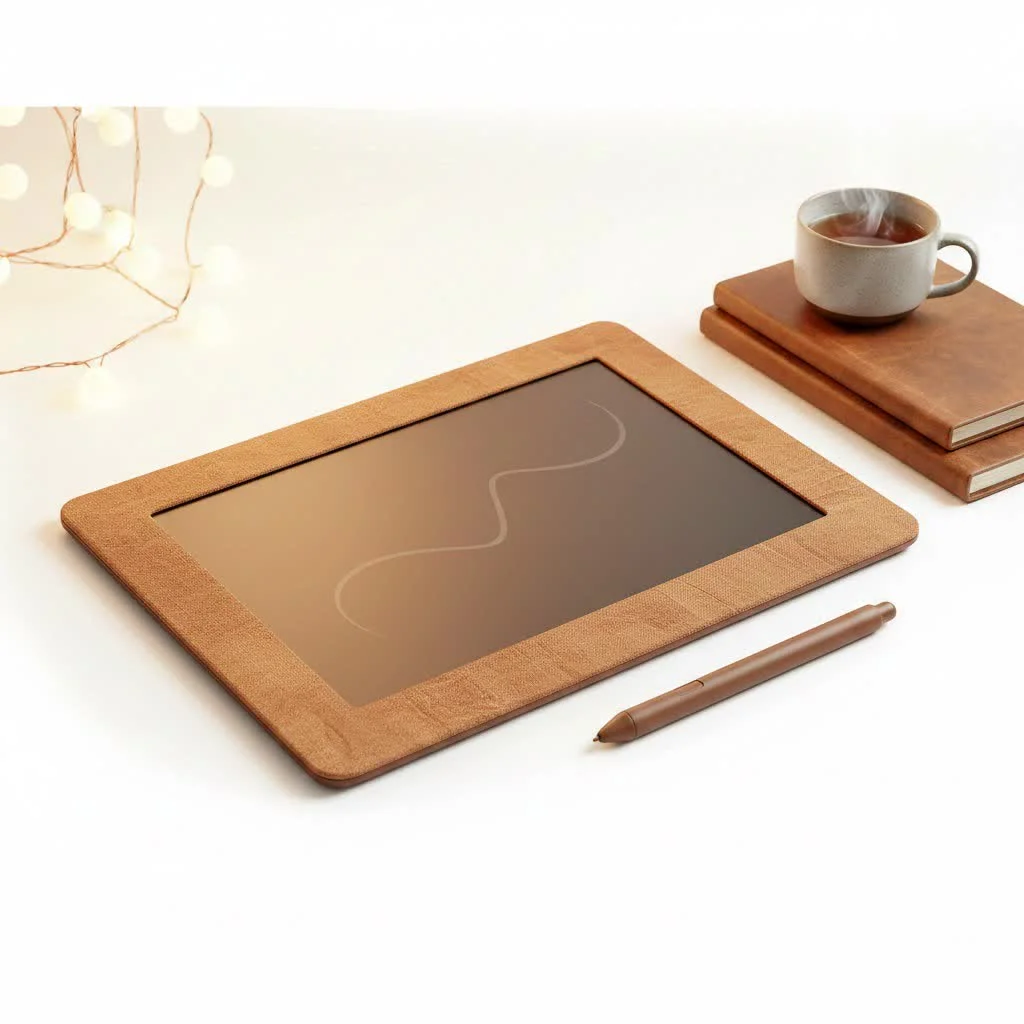
As an artist with over 15 years of experience, I’ve seen technology evolve, but the core principle remains the same: a great graphic tablet should feel like an extension of your hand, a seamless bridge between your imagination and the screenLet’s dive in and find the one that’s right for you.
How to Choose the Perfect Graphic Tablet
Before jumping into product recommendations, it’s essential to understand the key features that differentiate one tablet from another. Focusing on these aspects will help you make an informed decision based on your specific workflow and budget.
Pen Display vs. Pen Tablet
This is the first major decision you’ll make.
- Pen Tablets (Non-Screen): These are flat, pressure-sensitive pads that you draw on while looking at your computer monitor. They are generally more affordable, durable, and excellent for beginners developing hand-eye coordination. They are also favored by photo editors and 3D sculptors.
- Pen Displays (With Screen): These tablets have a built-in screen that you draw directly on, mimicking the experience of drawing on paper. This direct drawing experience offers a more intuitive workflow, which many illustrators and designers prefer. They are, however, more expensive and less portable.
Pressure Sensitivity
Pressure sensitivity, measured in levels, determines how the tablet interprets the force you apply with the pen. A tablet with more levels of pressure sensitivity will allow for greater control over line weight and opacity, creating a more nuanced and natural drawing experience. Most modern tablets offer 8,192 levels, which is the industry standard for professional work.
Resolution (LPI)
Resolution, measured in Lines Per Inch (LPI), refers to how many digital lines can fit into one inch of the tablet’s active area. A higher LPI means the tablet can recognize more detail, resulting in smoother, more precise lines. For professional work, look for a resolution of 5080 LPI.
Active Drawing Area
The active area is the usable surface where your pen input is detected. A larger active area provides more room to make broad, sweeping strokes, which is ideal for artists who work from the shoulder. A smaller tablet is more portable and can be a great starting point, but it may feel restrictive for detailed, large-scale projects.
Our Picks for the Top Graphic Tablet Models
Here are our top recommendations, categorized to help you find the best fit for your artistic needs and budget.
Best Overall: Wacom Cintiq Pro 27
|
Our Picks for the Best Graphic Tablet in 2026
As an Amazon Associate I earn from qualifying purchases.
|
||
| Num | Product | Action |
|---|---|---|
| 1 | Wacom Intuos Pro Medium Bluetooth Professional Graphic Drawing Tablet with Pro Pen 3, Compatible with Mac, Windows - 2025 Edition |

|
| 2 | HUION KAMVAS Pro 16 Drawing Tablet with Screen, 15.6 inch Pen Display Anti-Glare Glass 6 Shortcut Keys Adjustable Stand, Graphics Tablet for Drawing, Writing, Design, Work with Windows, Mac and Linux |
|
| 3 | Drawing Tablet for Beginner Graphics OSU Tablet with Battery-Free Stylus 8192 Pressure Sensitive for Digital Art, Painting & Design, Compatible with Windows, Mac OS and Android |
|
| 4 | GAOMON M10K Drawing Tablet, 10x6 inch Large Graphics Tablet with Touch Ring, 8192 Levels Battery-Free Stylus, 10 Hot Keys, Art Tablet for Design, Writing, Editing, Work with Mac, Windows, Android |
|
| 5 | Graphics Drawing Tablet, UGEE M708 10 x 6 inch Large Drawing Tablet with 8 Hot Keys, Passive Stylus of 16384 Levels Pressure, UGEE M708 Graphics Tablet for Paint, Design, Art Creation Sketch |
|
| 6 | HUION Kamvas 13 (Gen 3) Drawing Tablet with Screen,13.3\" Full-Laminated Art Tablet with Anti-Sparkle Canvas Glass 2.0, 99% sRGB, PenTech 4.0, 16384 Pen Pressure, Dual Dial for PC, Mac, Android, Black |
|
| 7 | HUION Inspiroy H640P Drawing Tablet, 6x4 inch Digital Art with Battery-Free Stylus, 8192 Pen Pressure, 6 Hot Keys, Graphics Tablet for Drawing, Writing, Design, Teaching, Work with Mac, PC & Mobile |
|
| 8 | HUION Drawing Tablet HS610 Graphic Tablet with Battery-Free Stylus 8192 Pen Pressure Tilt Function, 10x6.25 Inches Digital Art for Animation & Design, Compatible with Windows/Mac/Android |
|
| 9 | HUION Inspiroy H1060P Graphics Drawing Tablet with 8192 Pressure Sensitivity Battery-Free Stylus and 12 Customized Hot Keys, 10 x 6.25 inches Digital Art Tablet for Mac, Windows PC and Android |
|
| 10 | XOPPOX Graphics Drawing Tablet 10 x 6 Inch Large Active Area with 8192 Levels Battery-Free Pen and 12 Hot Keys, Compatible with PC/Mac/Android OS for Painting, Design & Online Teaching Black |
|
The Wacom Cintiq Pro 27 stands as the undisputed king for professionals who demand the absolute best. Its stunning 27-inch 4K display boasts 99% Adobe RGB color accuracy, making it perfect for color-critical work. The included Pro Pen 3 is highly customizable, allowing artists to adjust its weight, grip, and center of balance.
“The Cintiq Pro 27 isn’t just a tool; it’s a creative partner,” says professional concept artist Isabella Rossi. “The flawless parallax and true-to-life color allow me to focus purely on my art, without any technical barriers.”
- Best for: Professional illustrators, animators, and concept artists.
- Key Features: 4K resolution, 120Hz refresh rate, 8,192 levels of pressure sensitivity, customizable Pro Pen 3.
- Price Point: Premium.
Best for Professionals on a Budget: Huion Kamvas Pro 16 (2.5K)
Huion has become a major competitor to Wacom, offering professional-grade features at a much more accessible price. The Kamvas Pro 16 (2.5K) hits the sweet spot with a high-resolution QHD+ screen, excellent color accuracy, and a battery-free pen. The laminated screen reduces parallax, making it feel like you’re drawing directly on the image. It’s a workhorse that proves you don’t need to break the bank for a top graphic tablet.
- Best for: Freelance professionals, art students, and serious hobbyists.
- Key Features: 2.5K (QHD+) resolution, 145% sRGB color gamut, laminated screen, battery-free pen.
- Price Point: Mid-range.
Best for Beginners: Wacom Intuos S
For anyone just starting with digital art, the Wacom Intuos S is a fantastic entry point. It’s a non-screen pen tablet that is compact, easy to set up, and incredibly reliable. It offers 4,096 levels of pressure sensitivity, which is more than enough for a beginner to learn the fundamentals of digital drawing and painting. Its affordability and durability make it the go-to recommendation for new artists.
- Best for: Beginners and students.
- Key Features: 4,096 levels of pressure sensitivity, battery-free pen, compact design, includes free creative software.
- Price Point: Entry-level.
Best Value Pen Tablet: XP-Pen Deco 01 V2
The XP-Pen Deco 01 V2 offers incredible value for its price. It features a large 10 x 6.25-inch active area, 8,192 levels of pressure sensitivity, and even supports pen tilt—a feature typically found on more expensive models. It’s a versatile and powerful tool that can grow with an artist as their skills develop, making it a smart long-term investment.
- Best for: Hobbyists and beginners looking for more drawing space.
- Key Features: Large active area, 8,192 levels of pressure sensitivity, tilt support, 8 customizable express keys.
- Price Point: Budget-friendly.
Frequently Asked Questions (FAQ)
What is the best graphic tablet for photo editing?
For photo editing, non-screen tablets like the Wacom Intuos Pro are often preferred. These tablets offer precise control for tasks such as masking and retouching, which is crucial for photographers, without the higher cost associated with pen displays.
Do I need a graphic tablet with a screen?
No, a graphic tablet with a screen is not strictly necessary. While pen displays offer a more intuitive direct drawing experience, pen tablets without screens are more affordable and fully capable of professional work. The choice depends on your budget and preferred workflow.
How much pressure sensitivity do I really need?
For professional work, 8,192 levels of pressure sensitivity is the industry standard, as seen in models like the Wacom Cintiq Pro 27. However, most artists won’t notice a significant difference above 2,048 levels, and 4,096 levels, like that in the Wacom Intuos S, is sufficient for beginners.
Are more expensive graphic tablets always better?
Not always. While more expensive tablets offer premium features such as 4K resolution, superior color accuracy, and enhanced build quality, mid-range options from brands like Huion or XP-Pen can provide a professional-grade experience at a lower cost. The best tablet is ultimately one that aligns with your budget and workflow.
Can I use a graphic tablet as a mouse?
Yes, all graphic tablets can function as a mouse replacement. Using the pen offers a more ergonomic way to navigate your computer, which can help reduce wrist strain during extended use compared to a traditional mouse.
Your Creative Journey Starts Now
Choosing the top graphic tablet is a personal decision that depends on your goals, style, and budget. The Wacom Cintiq Pro 27 remains the peak for professionals, but fantastic alternatives from Huion and XP-Pen deliver incredible performance and value. For beginners, starting with a reliable pen tablet like the Wacom Intuos is a proven path to success.
The most important thing is to choose a tool that inspires you to create. Research your options, consider your needs, and invest in the tablet that will best serve as your partner in art. Now, go make something amazing.
Frequently Asked Questions
What is the best graphic tablet for photo editing?
For photo editing, non-screen tablets like the Wacom Intuos Pro are often preferred. These tablets offer precise control for tasks such as masking and retouching, which is crucial for photographers, without the higher cost associated with pen displays.
Do I need a graphic tablet with a screen?
No, a graphic tablet with a screen is not strictly necessary. While pen displays offer a more intuitive direct drawing experience, pen tablets without screens are more affordable and fully capable of professional work. The choice depends on your budget and preferred workflow.
How much pressure sensitivity do I really need?
For professional work, 8,192 levels of pressure sensitivity is the industry standard, as seen in models like the Wacom Cintiq Pro 27. However, most artists won't notice a significant difference above 2,048 levels, and 4,096 levels, like that in the Wacom Intuos S, is sufficient for beginners.
Are more expensive graphic tablets always better?
Not always. While more expensive tablets offer premium features such as 4K resolution, superior color accuracy, and enhanced build quality, mid-range options from brands like Huion or XP-Pen can provide a professional-grade experience at a lower cost. The best tablet is ultimately one that aligns with your budget and workflow.
Can I use a graphic tablet as a mouse?
Yes, all graphic tablets can function as a mouse replacement. Using the pen offers a more ergonomic way to navigate your computer, which can help reduce wrist strain during extended use compared to a traditional mouse.
How to Choose the Perfect Graphic Tablet
Choosing the right graphic tablet involves understanding key features like pen display type, pressure sensitivity, resolution, and active drawing area to match your artistic needs and budget.
Determine if you prefer drawing directly on a screen (pen display) for an intuitive experience, or on a pressure-sensitive pad while looking at your monitor (pen tablet) for affordability and durability. Pen tablets are great for beginners and photo editors, while pen displays suit illustrators.
Consider the tablet's pressure sensitivity, measured in levels, which dictates control over line weight and opacity. Most modern professional tablets offer 8,192 levels, providing a nuanced drawing experience. For beginners, 4,096 levels are often sufficient.
Look at the resolution, measured in Lines Per Inch (LPI), to understand the tablet's detail recognition. A higher LPI, such as 5080 LPI for professional work, ensures smoother and more precise lines. This is crucial for intricate artwork.
Consider the size of the active drawing area, which is the usable surface for pen input. A larger area allows for broader strokes, ideal for artists who use their shoulder, while smaller tablets are more portable but can feel restrictive for detailed projects.
Get our weekly buyer guide
Practical specs, not advice. Unsubscribe anytime.

I picked up the Wacom Intuos S as my first graphic tablet, and it’s decent for a beginner. The active drawing area feels a bit small sometimes, especially when I’m trying to do larger strokes. I wish I’d considered a slightly bigger pen tablet, but it’s definitely helping me learn the ropes of digital art.
Pressure sensitivity was a huge factor for me, and I can confirm that 8,192 levels makes a massive difference. My previous tablet just couldn’t capture the nuances of my brushwork like this one does. It truly feels like an extension of my hand, allowing for incredible control and expressiveness in my digital paintings.
I was on a tighter budget but still needed something reliable for my freelance design projects. The Huion Kamvas Pro 16 (2.5K) has been a fantastic compromise. The resolution is really good for the price point, and I appreciate having a pen display without breaking the bank. It’s a solid performer for mid-range users.
I finally upgraded to the Wacom Cintiq Pro 27 after years of using an older model, and it’s truly a game-changer. The 4K display is absolutely stunning, making my detailed illustration work so much more precise. The Pro Pen 3 feels incredibly natural, and the customization options are fantastic for my workflow. Definitely worth the investment for serious professionals.