The best Android tablet for graphic design in 2025 is the Samsung Galaxy Tab S9 Ultra, offering a massive 14.6-inch Dynamic AMOLED 2X display and an included S Pen with sub-3ms latency for unparalleled precision. For a more portable option, the Samsung Galaxy Tab S9+ provides a 12.4-inch AMOLED screen with the same high-performance S Pen and Snapdragon 8 Gen 2 processor. These devices excel in display quality, stylus performance, and processing power, making them ideal for professional artists and designers.
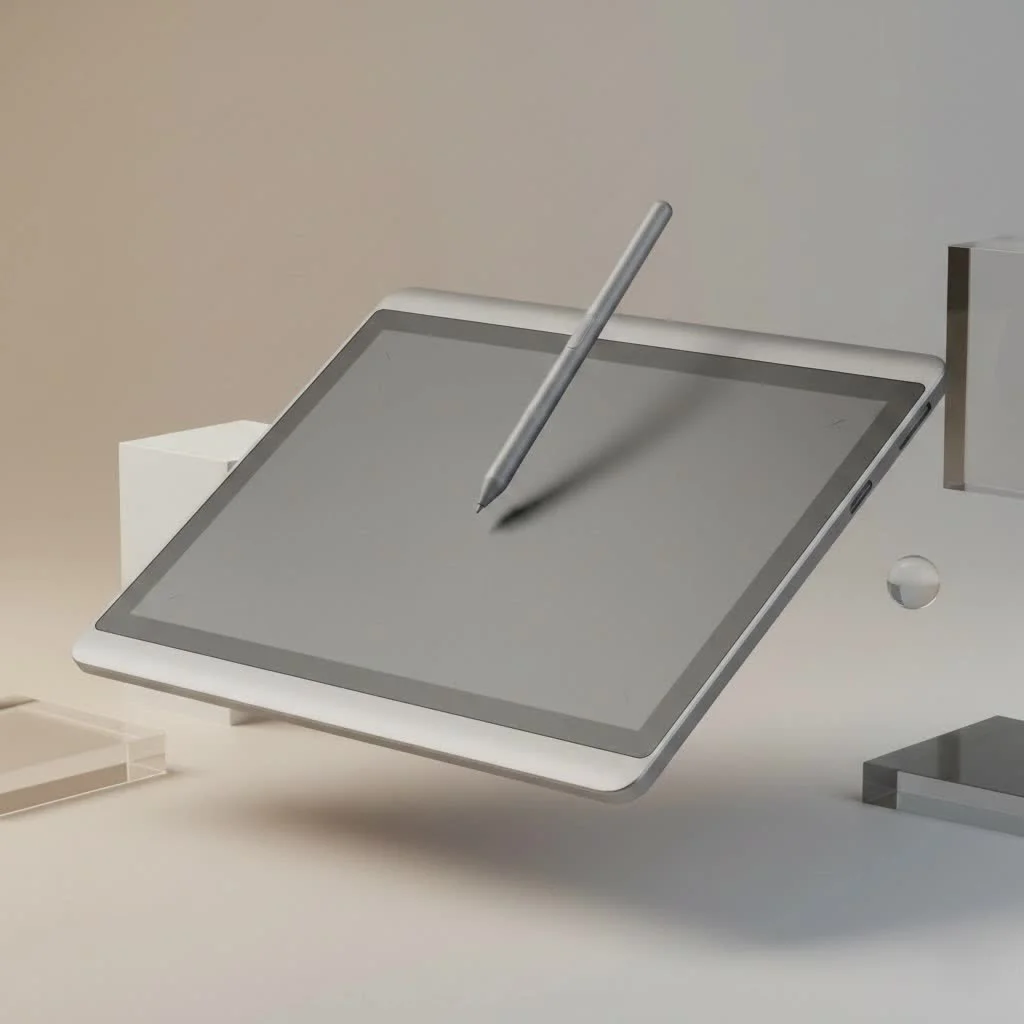
Whether you’re a seasoned professional or a student, the right tablet can unlock your potential. This guide focuses on what truly matters for digital artists, exploring top models and essential features to help you make an informed decision.
Our Top Android Tablets for Graphic Design in 2025
After extensive testing and comparison, a few models consistently rise to the top. These tablets excel in display quality, stylus performance, and the raw power needed for demanding creative software.
| Model | Display | Stylus | Key Feature for Designers |
|---|---|---|---|
| Samsung Galaxy Tab S9 Ultra | 14.6″ Dynamic AMOLED 2X | S Pen (Included) | Massive, color-accurate screen for a large canvas |
| Samsung Galaxy Tab S9+ | 12.4″ Dynamic AMOLED 2X | S Pen (Included) | Perfect balance of portability and screen real estate |
| Lenovo Tab P12 Pro | 12.6″ AMOLED, 120Hz | Precision Pen 3 (Included) | Excellent color gamut and responsive display |
| Samsung Galaxy Tab S9 FE | 10.9″ LCD, 90Hz | S Pen (Included) | Most affordable option with a professional-grade stylus |
1. Samsung Galaxy Tab S9 Ultra: The Unrivaled Canvas
For artists demanding no compromises, the Samsung Galaxy Tab S9 Ultra is the undisputed leader. Its massive 14.6-inch Dynamic AMOLED 2X display offers incredibly rich colors and true blacks, making artwork pop. This high-quality canvas provides an expansive area for complex projects in apps like Clip Studio Paint or Infinite Painter.
The included S Pen is a standout feature, offering responsiveness, no charging, and impressively low latency. This immediate feedback is crucial for precise line work and natural brush strokes, making it a professional-grade tool.
2. Samsung Galaxy Tab S9+: The Perfect Balance
While the Ultra is exceptional, its size isn’t for everyone. The Samsung Galaxy Tab S9+ provides the same core experience in a more manageable 12.4-inch form factor. It features the gorgeous Dynamic AMOLED 2X display and the same industry-leading S Pen. This tablet is ideal for designers needing a powerful tool that is comfortable both on a desk and in a backpack. The Snapdragon 8 Gen 2 processor ensures large files and multi-layered designs are handled with ease, providing a smooth workflow.
3. Lenovo Tab P12 Pro: A Strong Contender
|
Our Picks for the Best Graphic Tablet in 2026
As an Amazon Associate I earn from qualifying purchases.
|
||
| Num | Product | Action |
|---|---|---|
| 1 | Graphics Drawing Tablet, UGEE M708 10 x 6 inch Large Drawing Tablet with 8 Hot Keys, Passive Stylus of 16384 Levels Pressure, UGEE M708 Graphics Tablet for Paint, Design, Art Creation Sketch |

|
| 2 | HUION KAMVAS Pro 16 Drawing Tablet with Screen, 15.6 inch Pen Display Anti-Glare Glass 6 Shortcut Keys Adjustable Stand, Graphics Tablet for Drawing, Writing, Design, Work with Windows, Mac and Linux |
|
| 3 | XOPPOX Graphics Drawing Tablet 10 x 6 Inch Large Active Area with 8192 Levels Battery-Free Pen and 12 Hot Keys, Compatible with PC/Mac/Android OS for Painting, Design & Online Teaching Black |
|
| 4 | HUION Inspiroy H1060P Graphics Drawing Tablet with 8192 Pressure Sensitivity Battery-Free Stylus and 12 Customized Hot Keys, 10 x 6.25 inches Digital Art Tablet for Mac, Windows PC and Android |
|
| 5 | HUION Drawing Tablet HS610 Graphic Tablet with Battery-Free Stylus 8192 Pen Pressure Tilt Function, 10x6.25 Inches Digital Art for Animation & Design, Compatible with Windows/Mac/Android |
|
| 6 | GAOMON M10K Drawing Tablet, 10x6 inch Large Graphics Tablet with Touch Ring, 8192 Levels Battery-Free Stylus, 10 Hot Keys, Art Tablet for Design, Writing, Editing, Work with Mac, Windows, Android |
|
| 7 | Wacom Intuos Pro Medium Bluetooth Professional Graphic Drawing Tablet with Pro Pen 3, Compatible with Mac, Windows - 2025 Edition |
|
| 8 | HUION Kamvas 13 (Gen 3) Drawing Tablet with Screen,13.3\" Full-Laminated Art Tablet with Anti-Sparkle Canvas Glass 2.0, 99% sRGB, PenTech 4.0, 16384 Pen Pressure, Dual Dial for PC, Mac, Android, Black |
|
| 9 | Drawing Tablet for Beginner Graphics OSU Tablet with Battery-Free Stylus 8192 Pressure Sensitive for Digital Art, Painting & Design, Compatible with Windows, Mac OS and Android |
|
| 10 | HUION Inspiroy H640P Drawing Tablet, 6x4 inch Digital Art with Battery-Free Stylus, 8192 Pen Pressure, 6 Hot Keys, Graphics Tablet for Drawing, Writing, Design, Teaching, Work with Mac, PC & Mobile |
|
Lenovo has emerged as a serious competitor with the Tab P12 Pro. Its 12.6-inch AMOLED screen is bright, sharp, and covers a wide color gamut, making it a reliable tool for color-sensitive work. The included Precision Pen 3 is a capable stylus with 4,096 levels of pressure sensitivity and tilt support, allowing for nuanced and expressive drawing. While the S Pen still has a slight edge in its “pen-on-paper” feel, Lenovo’s offering is impressively close and provides a fantastic user experience.
What Makes a Great Android Tablet for Artists?
Choosing a tablet isn’t just about picking the one with the biggest screen. Several key technical aspects directly impact your creative process.
The Display: Your Digital Canvas
The screen is the most critical component where your vision comes to life. Look for:
- Technology: AMOLED or OLED screens are superior to LCDs for design work, offering deeper blacks, higher contrast ratios, and more vibrant colors for accurate color representation.
- Resolution: A higher resolution (like 2560×1600 or more) means sharper images and finer details, which is non-negotiable for professional-quality work on a large screen.
- Color Accuracy: Tablets covering a high percentage of the DCI-P3 color gamut ensure colors seen on screen translate accurately to other devices and print.
- Refresh Rate: A 120Hz refresh rate, found in top Samsung and Lenovo models, makes scrolling, zooming, and pen strokes feel incredibly smooth and fluid.
The Stylus: Your Digital Brush
The stylus is your primary tool, and a poor experience can ruin an otherwise great tablet.
- Pressure Sensitivity: This determines how the tablet responds to applied force. Most professional styluses offer 4,096 levels or more, allowing natural variation in line thickness and opacity.
- Tilt Support: This feature allows software to recognize the stylus angle, essential for shading techniques and creating realistic brush strokes.
- Latency: This is the delay between a stroke and its appearance on screen. Lower latency is always better; the S Pen, with its sub-3ms latency, is a market leader.
“The connection between the stylus and the screen is everything,” states digital art expert David Chen. “When there’s no perceptible lag, the technology melts away and you can just focus on creating. That’s the holy grail for any digital artist.”
Performance: The Engine
Graphic design software, especially with high-resolution canvases and many layers, requires significant processing power.
- Processor: A powerful, modern processor like the Snapdragon 8 Gen 2 ensures your tablet can keep up with your workflow.
- RAM: For serious graphic design, 8GB of RAM is the minimum; 12GB or more is ideal for handling large files and multitasking without performance dips.
- Storage: Digital art files can be huge. Look for at least 256GB of internal storage, and check for a microSD card slot for expansion.
Frequently Asked Questions (FAQ)
What are the best graphic design apps on Android? The Android ecosystem has matured significantly, offering top-tier apps like Clip Studio Paint, Krita, Infinite Painter, and Concepts. Adobe also provides versions of Photoshop and Illustrator, making the platform viable for professional workflows.
Can an Android tablet replace my Wacom or laptop? For many tasks, such as sketching, illustration, and photo editing on the go, a high-end Android tablet is a powerful and convenient tool. However, for extremely heavy workflows involving 3D rendering or complex vector work in desktop-exclusive software, a dedicated computer is still necessary. Many designers use a tablet as a complementary tool.
Is the Samsung S Pen really better than other styluses? The S Pen, developed with Wacom technology, is widely considered the best stylus experience on any Android tablet. Its low latency, high pressure sensitivity, and the fact that it doesn’t require charging make it a reliable and intuitive tool for artists.
How much RAM do I need for graphic design? For simple sketching and line art, 6GB might be sufficient. However, for professional work involving multiple layers, high resolutions, and complex brushes, 8GB is the recommended minimum. For a seamless experience with no slowdowns, 12GB or 16GB is the ideal target.
Is it worth getting a tablet with an AMOLED screen for art? Yes, an AMOLED screen is one of the most important investments for artists. Its ability to display true blacks and a wider range of colors provides a much more accurate representation of your final artwork, which is critical for both digital viewing and print.
The Final Verdict
Choosing the best Android tablet for graphic design ultimately depends on your specific needs and budget. For professionals demanding the largest canvas and top-tier performance, the Samsung Galaxy Tab S9 Ultra is in a class of its own. For those seeking a more portable yet equally powerful option, the Samsung Galaxy Tab S9+ hits the sweet spot.
Android tablets are no longer a compromise for artists. With brilliant displays, exceptional styluses, and powerful hardware, they have become first-class citizens in digital creation. By focusing on display quality, stylus performance, and processing power, you can find a device that will not only meet your needs but also inspire you to create your best work yet.
Frequently Asked Questions
What are the best graphic design apps available on Android tablets?
The Android ecosystem offers several top-tier graphic design applications. Popular choices include Clip Studio Paint, Krita, Infinite Painter, and Concepts. Adobe also provides mobile versions of Photoshop and Illustrator, making Android tablets suitable for professional workflows.
Can an Android tablet fully replace a Wacom tablet or a laptop for design work?
For many tasks like sketching, illustration, and photo editing on the go, a high-end Android tablet is a powerful and convenient tool. However, for extremely heavy workflows such as 3D rendering or complex vector work requiring desktop-exclusive software, a dedicated computer is still necessary. Many designers integrate a tablet as a complementary tool in their workflow.
Is the Samsung S Pen superior to other styluses for Android tablets?
The Samsung S Pen, developed with Wacom technology, is widely considered the best stylus experience on any Android tablet. Its key advantages include sub-3ms low latency, high pressure sensitivity (4,096 levels or more), and the fact that it does not require charging, providing a reliable and intuitive tool for artists.
How much RAM is truly needed for professional graphic design on an Android tablet?
For simple sketching and line art, 6GB of RAM might be sufficient. However, for professional work involving multiple layers, high resolutions, and complex brushes, 8GB is the recommended minimum. For a seamless experience with no slowdowns, 12GB or 16GB is the ideal target to ensure optimal performance.
Why is an AMOLED screen important for artists using a graphic design tablet?
An AMOLED screen is one of the most important investments for artists because of its superior display capabilities. Its ability to render true blacks and a wider range of vibrant colors provides a much more accurate representation of your final artwork. This color accuracy is critical for both digital viewing and for work that will eventually be printed.
Get our weekly buyer guide
Practical specs, not advice. Unsubscribe anytime.
I finally upgraded to the Samsung Galaxy Tab S9 Ultra after using an older model for years, and wow, what a difference! The 14.6-inch Dynamic AMOLED 2X display is absolutely stunning for my digital paintings. The S Pen feels incredibly natural, and the low latency really makes a difference when I’m doing detailed line work. It’s a game-changer for my professional projects.
I picked up the Samsung Galaxy Tab S9+ for its portability, and it hasn’t disappointed. The 12.4-inch AMOLED screen is fantastic for sketching on the go, and the Snapdragon 8 Gen 2 processor handles all my design apps without a hitch. My only minor gripe is that I wish the battery life was just a little bit longer when I’m really pushing it with intense rendering, but it’s still a solid choice.
I was really excited about the included S Pen with the Samsung tablets, but I found the tip wore down a bit faster than I expected with my heavy use. It’s not a dealbreaker, and the precision is still great, but I’ve had to order replacements sooner than I thought. Otherwise, the display quality and overall performance for graphic design are excellent.
As a design student, finding the right tablet was crucial, and the Samsung Galaxy Tab S9+ has been perfect. The stylus performance is top-notch, making my assignments much easier to complete with accuracy. It’s powerful enough to run all the apps I need for my courses, and the screen size is just right for both detailed work and carrying around campus.