Choosing the best graphic tablet for animation is one of the most critical decisions you’ll make as a digital artist. This single tool is your bridge between imagination and the screen, the foundation for every character sketch, storyboard, and fluid motion you create. With over 15 years of experience in professional animation and mentoring artists at Kagbz.com, I’ve seen firsthand how the right tablet can revolutionize a workflow, while the wrong one can become a source of constant frustration.
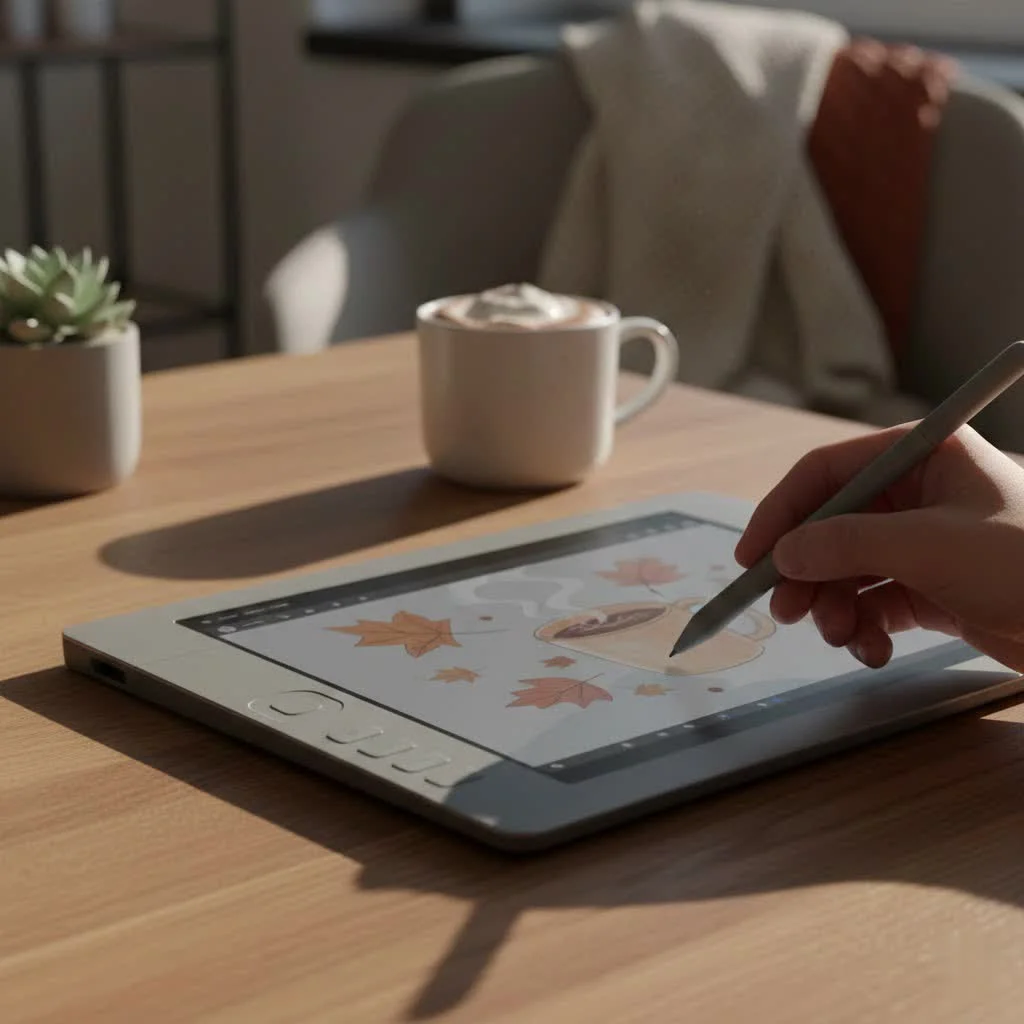
This guide is designed to cut through the technical jargon and help you find the perfect partner for your animation journey. We’ll explore the essential features that truly matter for animators, compare the different types of tablets available, and reveal our top picks for every skill level and budget in 2025.
Why the Right Tablet is a Game-Changer for Animation
A mouse is a tool for pointing and clicking; a graphic tablet is a tool for creation. For animators, the difference is night and day. A quality tablet offers a natural, fluid drawing experience that a mouse can never replicate. It translates the subtle nuances of your hand movements into expressive lines and organic shapes.
The primary advantages come down to two things: efficiency and artistry. Pressure sensitivity allows for dynamic line weights, customizable shortcut keys streamline repetitive tasks like undoing or changing brush sizes, and drawing directly on a screen makes the entire process more intuitive. This means you spend less time fighting your tools and more time focused on performance, timing, and bringing characters to life.
Key Features to Look for in an Animation Tablet
When shopping for a graphic tablet for animation, it’s easy to get lost in a sea of specifications. Let’s break down what truly impacts an animator’s day-to-day work.
Pen Pressure and Tilt Sensitivity
This is arguably the most important feature. Pressure sensitivity determines how your tablet interprets the force of your stroke. Higher levels mean more control over line thickness and opacity. The industry standard has long been 8,192 levels, which is excellent for professional work. However, newer pens from brands like XP-Pen now offer a staggering 16,384 levels, providing incredibly fine control.
Tilt recognition is equally crucial. It allows the tablet to detect the angle of your stylus, enabling you to create broad, shaded strokes just like you would with a real pencil. This is essential for character shading and creating natural-looking textures.
Screen Resolution and Color Accuracy
|
Our Picks for the Best Graphic Tablet in 2026
As an Amazon Associate I earn from qualifying purchases.
|
||
| Num | Product | Action |
|---|---|---|
| 1 | HUION Drawing Tablet HS610 Graphic Tablet with Battery-Free Stylus 8192 Pen Pressure Tilt Function, 10x6.25 Inches Digital Art for Animation & Design, Compatible with Windows/Mac/Android |

|
| 2 | HUION Inspiroy H640P Drawing Tablet, 6x4 inch Digital Art with Battery-Free Stylus, 8192 Pen Pressure, 6 Hot Keys, Graphics Tablet for Drawing, Writing, Design, Teaching, Work with Mac, PC & Mobile |
|
| 3 | GAOMON M10K Drawing Tablet, 10x6 inch Large Graphics Tablet with Touch Ring, 8192 Levels Battery-Free Stylus, 10 Hot Keys, Art Tablet for Design, Writing, Editing, Work with Mac, Windows, Android |
|
| 4 | Wacom Intuos Pro Medium Bluetooth Professional Graphic Drawing Tablet with Pro Pen 3, Compatible with Mac, Windows - 2025 Edition |
|
| 5 | XOPPOX Graphics Drawing Tablet 10 x 6 Inch Large Active Area with 8192 Levels Battery-Free Pen and 12 Hot Keys, Compatible with PC/Mac/Android OS for Painting, Design & Online Teaching Black |
|
| 6 | Graphics Drawing Tablet, UGEE M708 10 x 6 inch Large Drawing Tablet with 8 Hot Keys, Passive Stylus of 16384 Levels Pressure, UGEE M708 Graphics Tablet for Paint, Design, Art Creation Sketch |
|
| 7 | HUION KAMVAS Pro 16 Drawing Tablet with Screen, 15.6 inch Pen Display Anti-Glare Glass 6 Shortcut Keys Adjustable Stand, Graphics Tablet for Drawing, Writing, Design, Work with Windows, Mac and Linux |
|
| 8 | HUION Inspiroy H1060P Graphics Drawing Tablet with 8192 Pressure Sensitivity Battery-Free Stylus and 12 Customized Hot Keys, 10 x 6.25 inches Digital Art Tablet for Mac, Windows PC and Android |
|
| 9 | Drawing Tablet for Beginner Graphics OSU Tablet with Battery-Free Stylus 8192 Pressure Sensitive for Digital Art, Painting & Design, Compatible with Windows, Mac OS and Android |
|
| 10 | HUION Kamvas 13 (Gen 3) Drawing Tablet with Screen,13.3\" Full-Laminated Art Tablet with Anti-Sparkle Canvas Glass 2.0, 99% sRGB, PenTech 4.0, 16384 Pen Pressure, Dual Dial for PC, Mac, Android, Black |
|
If you’re opting for a pen display, screen quality is paramount. Look for a minimum resolution of Full HD (1920×1080), but for professional work, 2.5K (2560×1440) or 4K (3840×2160) will provide the crisp, detailed view you need for intricate frame-by-frame work.
Color accuracy ensures that what you see on your screen is what your audience will see. Look for tablets that cover a high percentage of the sRGB color gamut (99% is a good baseline). For professional, color-critical work, a high Adobe RGB coverage (93% or more) is the target.
Size and Active Area
Bigger isn’t always better; the right size depends on your workspace and workflow.
- Small (Under 13 inches): Excellent for portability and artists with limited desk space.
- Medium (13-16 inches): The sweet spot for many, offering a good balance of drawing space and a manageable footprint.
- Large (22 inches and up): Ideal for studio environments. A large active area allows you to use broad, sweeping arm movements for fluid lines, which is fantastic for animation.
Shortcut Keys and Workflow Efficiency
Customizable shortcut keys, often called ExpressKeys, are a massive time-saver. Programming these buttons for your most-used commands—like undo, redo, zoom, and switching between tools—can dramatically speed up your animation process. Some tablets have built-in keys, while others come with a separate remote, which offers more ergonomic flexibility.
Parallax and Lamination
Parallax is the small gap between the glass surface of a pen display and the cursor underneath. It can create a sense of disconnect and affect accuracy. To combat this, look for tablets with a fully laminated screen. This process fuses the glass and the display together, virtually eliminating parallax and making it feel like you’re drawing directly on the image. An anti-glare, etched glass surface also provides a more tactile, paper-like feel.
As seasoned animator Alexandre Dubois puts it, “A tablet with minimal parallax and responsive tilt is where the digital barrier dissolves. It ceases to be a screen and becomes your canvas. That’s when you can truly focus on the performance of the animation, not the technology.”
Types of Graphic Tablets for Animation
There are three main categories of tablets, each with its own pros and cons for animators.
Pen Tablets (Non-Screen)
These are the classic drawing tablets: a simple, opaque surface that you draw on while looking at your computer monitor.
- Pros: Most affordable, durable, and great for beginners to learn the fundamentals. They promote good posture as you’re always looking straight ahead at your monitor.
- Cons: There’s a learning curve to mastering the hand-eye coordination required.
- Best for: Beginners, artists on a tight budget, and those who prefer a traditional desk setup.
Pen Displays (Screen-Based)
These tablets feature a built-in screen, allowing you to draw directly onto your artwork. This is the most popular choice for professional animators.
- Pros: Highly intuitive and accurate, with a workflow that closely mimics traditional drawing.
- Cons: More expensive than pen tablets and require a connection to a computer.
- Best for: Intermediate to professional animators who need maximum efficiency and an immersive creative experience.
Standalone Tablets (All-in-One)
These are self-contained computers, like the iPad Pro or Microsoft Surface, that run their own operating systems and apps.
- Pros: Ultimate portability, allowing you to animate anywhere. Touchscreen capabilities offer intuitive gesture controls.
- Cons: Mobile apps may not be as full-featured as their desktop counterparts. They can be very expensive and may lack the processing power for complex 3D rendering.
- Best for: 2D animators, storyboard artists, and creators who prioritize mobility.
Our Top Picks: The Best Graphic Tablet for Animation in 2025
After extensive testing and review at Kagbz.com, here are our recommendations for the best graphic tablets for animation this year.
Best Overall: Wacom Cintiq Pro 27
For the professional who demands the absolute best, the Wacom Cintiq Pro 27 is the undisputed king. Its stunning 27-inch 4K display boasts world-class color accuracy (99% Adobe RGB), making it perfect for studio-level work. The Pro Pen 3 is flawlessly responsive with 8,192 pressure levels, and the virtually non-existent parallax creates a true pen-on-screen experience. The customizable ExpressKeys are now on the grip handles, providing incredible ergonomic comfort. It’s a significant investment, but for a tool you’ll use every day, the quality and reliability are unmatched.
Best for Professionals on a Budget: Huion Kamvas Pro 16 (2.5K)
Huion has become a serious competitor to Wacom, and the Kamvas Pro 16 (2.5K) is a prime example of why. It offers features that were once exclusive to high-end tablets at a fraction of the price. The 16-inch 2.5K display is sharp and vibrant, and the fully laminated screen keeps parallax to a minimum. Its battery-free stylus is comfortable and responsive, making it a workhorse for long animation sessions. This tablet hits the perfect sweet spot between price, performance, and size for most professional animators.
Best for Beginners: XP-Pen Artist 12 (2nd Gen)
For those looking to transition from a non-screen tablet or just starting in animation, the XP-Pen Artist 12 (2nd Gen) is an outstanding entry point. It’s affordable, compact, and incredibly easy to set up with a single USB-C cable. The display is a respectable Full HD, and the new X3 Elite stylus technology provides a surprisingly sensitive and lag-free drawing experience. It’s the perfect tool for learning the ropes of digital animation without breaking the bank.
Best Standalone Tablet: Apple iPad Pro (M-series chip)
The iPad Pro, powered by Apple’s M-series chips, has evolved from a simple tablet into a professional animation tool. When paired with the Apple Pencil Pro and powerful apps like Procreate Dreams or Clip Studio Paint, it’s a portable animation studio. The Liquid Retina XDR display is gorgeous, with a 120Hz refresh rate that makes drawing feel incredibly smooth. While it may not replace a desktop for heavy 3D work, it’s an unbeatable option for 2D animators, character designers, and storyboard artists on the move.
Frequently Asked Questions
What is the difference between a drawing tablet and an animation tablet?
There is no specific “animation tablet.” Animators use graphic drawing tablets. However, the best tablets for animation are those with features that enhance an animator’s workflow, such as high responsiveness, minimal parallax, excellent color accuracy, and efficient shortcut keys for repetitive tasks.
Do I need a 4K display for animation?
A 4K display is not strictly necessary, especially for beginners. A Full HD (1080p) or 2.5K screen is more than sufficient for learning and producing high-quality work. However, a 4K screen provides superior sharpness and detail, which is a significant advantage for professionals working on complex scenes or for feature films.
How much pressure sensitivity do I need?
For serious animation work, aim for a tablet with at least 4,096 levels of pressure sensitivity. Most professional-grade tablets now offer 8,192 levels or more. This allows for fine control over your lines, which is crucial for creating expressive and dynamic animation.
Can I use a non-screen tablet for professional animation?
Absolutely. Many seasoned professionals started with and still use non-screen tablets like the Wacom Intuos Pro. They are incredibly reliable and precise. While a pen display might speed up your workflow, a non-screen tablet is fully capable of producing professional-grade animation.
Is an iPad good enough for professional animation?
Yes, particularly for 2D animation. The combination of the iPad Pro, Apple Pencil, and apps like Procreate Dreams has become a standard professional toolkit for many studios and freelance animators. Its power and portability make it an excellent tool for everything from initial storyboards to final production.
Your Next Frame Awaits
Choosing the best graphic tablet for animation is an investment in your creativity. Whether you’re a student taking your first steps or a professional crafting the next blockbuster, the right tablet will feel less like a piece of technology and more like an extension of your own hand. Consider your specific needs, your budget, and how you love to work. The perfect tool is out there, ready to help you bring your stories to life, one frame at a time.
Get our weekly buyer guide
Practical specs, not advice. Unsubscribe anytime.
