For digital artists, illustrators, and designers, the tools you use are as crucial as your creativity. If you’ve been searching for a more intuitive and natural way to create digital art, you’ve likely come across the term LCD graphic tablet. This device has revolutionized the industry, bridging the gap between traditional drawing and digital creation. As a professional with over 15 years in the field, I’m here to break down exactly what this technology is and how it can elevate your artwork.
What Exactly is an LCD Graphic Tablet?
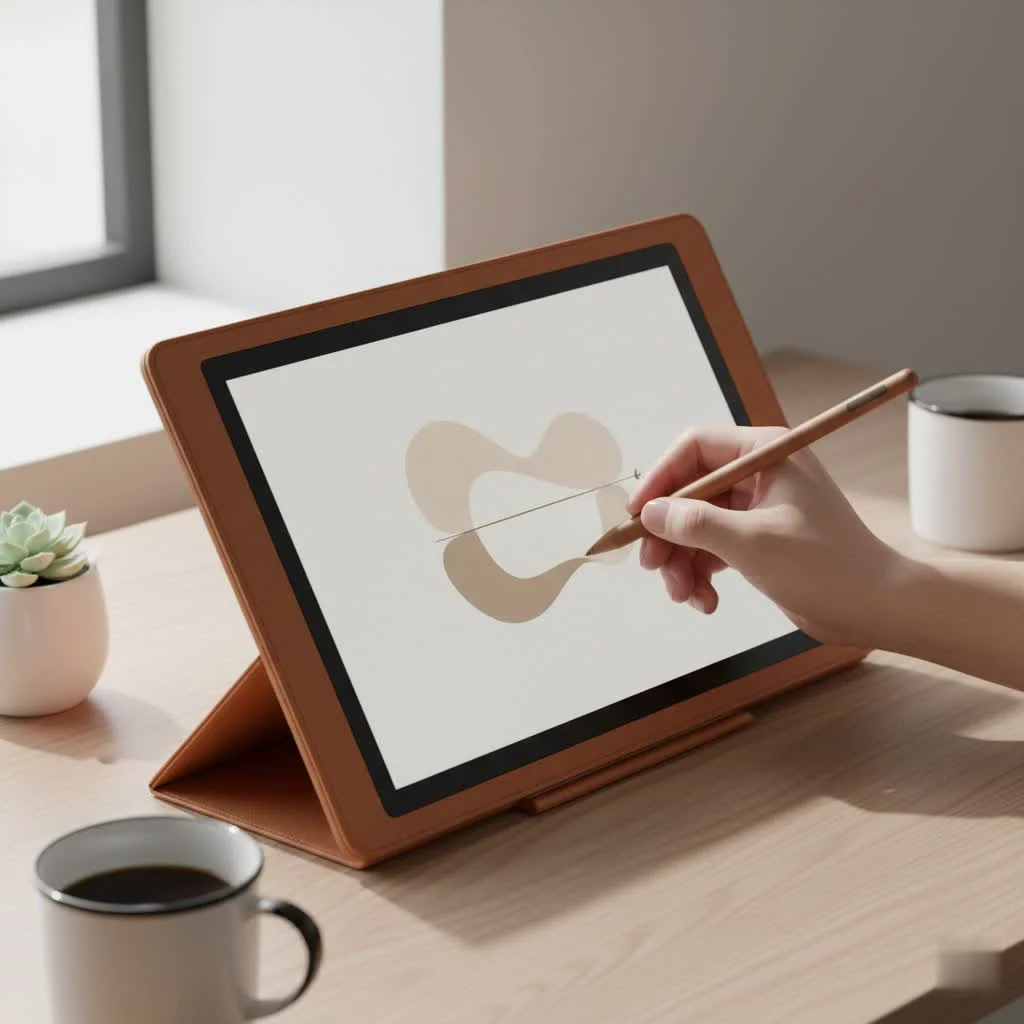
An LCD graphic tablet, often called a pen display, is essentially a monitor that you can draw directly onto. It combines a flat-screen Liquid Crystal Display (LCD) with a pressure-sensitive surface and a special stylus. Unlike traditional graphic tablets where you draw on a blank pad while looking at a separate computer screen, an LCD graphic tablet lets you see the image directly under your pen.
This setup brilliantly solves the hand-eye coordination challenge that many artists face with non-screen tablets. The experience is incredibly close to drawing on paper, allowing for a seamless transition from traditional to digital mediums. You see your lines, colors, and brush strokes appear right where you place the stylus, making the entire process feel more organic and direct.
Key Advantages of Using an LCD Graphic Tablet
Switching to a pen display can feel like a revelation for many artists. The benefits go beyond just convenience; they can fundamentally improve your workflow and the quality of your final pieces.
Intuitive Hand-Eye Coordination
The most significant advantage is the direct drawing experience. This one-to-one connection between your hand and the image eliminates the mental disconnect of traditional tablets. This leads to more confident strokes, better line quality, and a much shorter learning curve for beginners.
Enhanced Workflow and Efficiency
Working directly on the screen streamlines many tasks. Selecting tools, editing details, and navigating your canvas becomes faster and more fluid. Many models also feature customizable shortcut keys on the bezel, allowing you to program your most-used commands for instant access without reaching for your keyboard.
“The moment I switched to an LCD graphic tablet, my productivity soared,” says professional illustrator Jasmine Chen. “Being able to directly manipulate the artwork with my pen, from initial sketch to final color grading, cut my project times significantly. It’s the closest I’ve felt to traditional painting in a digital format.”
Precise Color and Detail Work
|
Our Picks for the Best Graphic Tablet in 2026
As an Amazon Associate I earn from qualifying purchases.
|
||
| Num | Product | Action |
|---|---|---|
| 1 | GAOMON M10K Drawing Tablet, 10x6 inch Large Graphics Tablet with Touch Ring, 8192 Levels Battery-Free Stylus, 10 Hot Keys, Art Tablet for Design, Writing, Editing, Work with Mac, Windows, Android |

|
| 2 | HUION KAMVAS Pro 16 Drawing Tablet with Screen, 15.6 inch Pen Display Anti-Glare Glass 6 Shortcut Keys Adjustable Stand, Graphics Tablet for Drawing, Writing, Design, Work with Windows, Mac and Linux |
|
| 3 | Graphics Drawing Tablet, UGEE M708 10 x 6 inch Large Drawing Tablet with 8 Hot Keys, Passive Stylus of 16384 Levels Pressure, UGEE M708 Graphics Tablet for Paint, Design, Art Creation Sketch |
|
| 4 | Drawing Tablet for Beginner Graphics OSU Tablet with Battery-Free Stylus 8192 Pressure Sensitive for Digital Art, Painting & Design, Compatible with Windows, Mac OS and Android |
|
| 5 | XOPPOX Graphics Drawing Tablet 10 x 6 Inch Large Active Area with 8192 Levels Battery-Free Pen and 12 Hot Keys, Compatible with PC/Mac/Android OS for Painting, Design & Online Teaching Black |
|
| 6 | HUION Kamvas 13 (Gen 3) Drawing Tablet with Screen,13.3\" Full-Laminated Art Tablet with Anti-Sparkle Canvas Glass 2.0, 99% sRGB, PenTech 4.0, 16384 Pen Pressure, Dual Dial for PC, Mac, Android, Black |
|
| 7 | HUION Drawing Tablet HS610 Graphic Tablet with Battery-Free Stylus 8192 Pen Pressure Tilt Function, 10x6.25 Inches Digital Art for Animation & Design, Compatible with Windows/Mac/Android |
|
| 8 | HUION Inspiroy H640P Drawing Tablet, 6x4 inch Digital Art with Battery-Free Stylus, 8192 Pen Pressure, 6 Hot Keys, Graphics Tablet for Drawing, Writing, Design, Teaching, Work with Mac, PC & Mobile |
|
| 9 | HUION Inspiroy H1060P Graphics Drawing Tablet with 8192 Pressure Sensitivity Battery-Free Stylus and 12 Customized Hot Keys, 10 x 6.25 inches Digital Art Tablet for Mac, Windows PC and Android |
|
| 10 | Wacom Intuos Pro Medium Bluetooth Professional Graphic Drawing Tablet with Pro Pen 3, Compatible with Mac, Windows - 2025 Edition |
|
When you’re working on a high-resolution screen, you can zoom in and manage the finest details with incredible precision. Furthermore, professional-grade LCD tablets boast impressive color accuracy, often covering wide gamuts like Adobe RGB and sRGB. This ensures that the colors you see on your tablet are the colors that will appear in the final print or digital output, which is critical for professional work.
How to Choose the Perfect LCD Graphic Tablet for You
The market is filled with excellent options from brands like Wacom, Huion, and XP-Pen. To find the right one, you need to consider a few key technical specifications based on your needs and budget.
Screen Size and Resolution
Size matters, but bigger isn’t always better for everyone.
- Small (13-16 inches): Great for portability and smaller workspaces. They are often more affordable and perfect for beginners or professionals on the go.
- Medium (19-22 inches): A popular choice that offers a comfortable amount of screen real estate without completely taking over your desk.
- Large (24 inches and up): Ideal for professionals who need to see their work on a grand scale and multitask with reference images or other applications open.
Resolution is just as important. A higher resolution (like QHD or 4K) on a larger screen will ensure your image is sharp and pixels are not visible, providing a clearer view of your work.
Color Accuracy and Gamut
For serious artists, color is everything. Look for tablets that specify their color gamut coverage. A tablet with over 90% Adobe RGB or 120% sRGB coverage will display a wider and more accurate range of colors, which is crucial for print and professional digital work.
Pen Pressure and Tilt Sensitivity
Modern styluses are incredibly advanced.
- Pressure Sensitivity: This refers to how the tablet registers the force you apply with the pen. Most professional tablets offer 8,192 levels of pressure sensitivity, allowing you to create varied line weights from a whisper-thin stroke to a thick, bold line, just like a real brush.
- Tilt Response: This feature allows the tablet to recognize the angle of your pen. It’s essential for creating shading effects or using specialized brushes that mimic the behavior of markers or calligraphy pens.
Parallax and Lamination
Parallax is the small gap between the glass surface you draw on and the LCD panel where the image appears. A large gap can create a noticeable offset between the pen tip and the cursor. The best LCD graphic tablets feature a laminated screen, which fuses the glass and the display together, minimizing parallax and making it feel like you’re truly touching the pixels.
Are There Any Downsides?
While LCD graphic tablets are powerful tools, it’s important to consider the full picture.
- Cost: They are significantly more expensive than non-screen tablets.
- Portability: Larger models can be heavy and cumbersome, requiring a dedicated desk space.
- Cables: They require connections for power, video (HDMI/DisplayPort), and data (USB), which can lead to cable clutter.
Frequently Asked Questions (FAQ)
What’s the difference between an LCD graphic tablet and an iPad?
An LCD graphic tablet is a dedicated peripheral that must be connected to a computer to function; it acts as a second monitor you can draw on. An iPad is a standalone computer with its own operating system and apps, making it more portable but sometimes less integrated with professional desktop software.
Do I need a powerful computer to run an LCD graphic tablet?
Yes, your computer does the heavy lifting. Since the tablet functions as a monitor, your PC or Mac needs a capable graphics card to drive the display (especially 4K models) and enough processing power to run demanding art software like Adobe Photoshop or Clip Studio Paint smoothly.
How can I reduce glare on the screen?
Most LCD graphic tablets come with a matte, anti-glare screen protector pre-applied. This not only reduces reflections but also provides a paper-like texture for a more satisfying drawing experience. You can also control the lighting in your workspace to minimize glare.
Is an LCD graphic tablet worth it for a beginner?
If your budget allows, it can be an excellent investment. The natural drawing experience can make learning digital art much easier and more enjoyable, reducing the initial frustration many artists feel with non-screen tablets.
What are the top brands for LCD graphic tablets?
Wacom has long been the industry leader with its Cintiq line, known for premium build quality and reliability. However, brands like Huion (with their Kamvas series) and XP-Pen (with their Artist series) offer highly competitive alternatives at more accessible price points, making them fantastic choices for both amateurs and professionals.
Conclusion: A New Canvas for Your Creativity
The LCD graphic tablet is more than just a fancy tool; it’s a gateway to a more intuitive, efficient, and enjoyable creative process. By allowing you to draw directly on your digital canvas, it removes barriers and lets you focus on what truly matters: bringing your artistic vision to life. Whether you’re a seasoned professional or just starting your digital art journey, investing in a pen display can be a transformative step, unlocking new levels of precision and control in your work.
Get our weekly buyer guide
Practical specs, not advice. Unsubscribe anytime.
