Navigating the world of Wacom graphic tablet prices can feel like a complex task, especially with a range of models designed for everyone from absolute beginners to seasoned industry professionals. Whether you’re making your first foray into digital art or upgrading your professional toolkit, understanding the cost spectrum is crucial. This guide breaks down the Wacom graphic tablet price structure, helping you find the perfect device for your budget and creative needs.
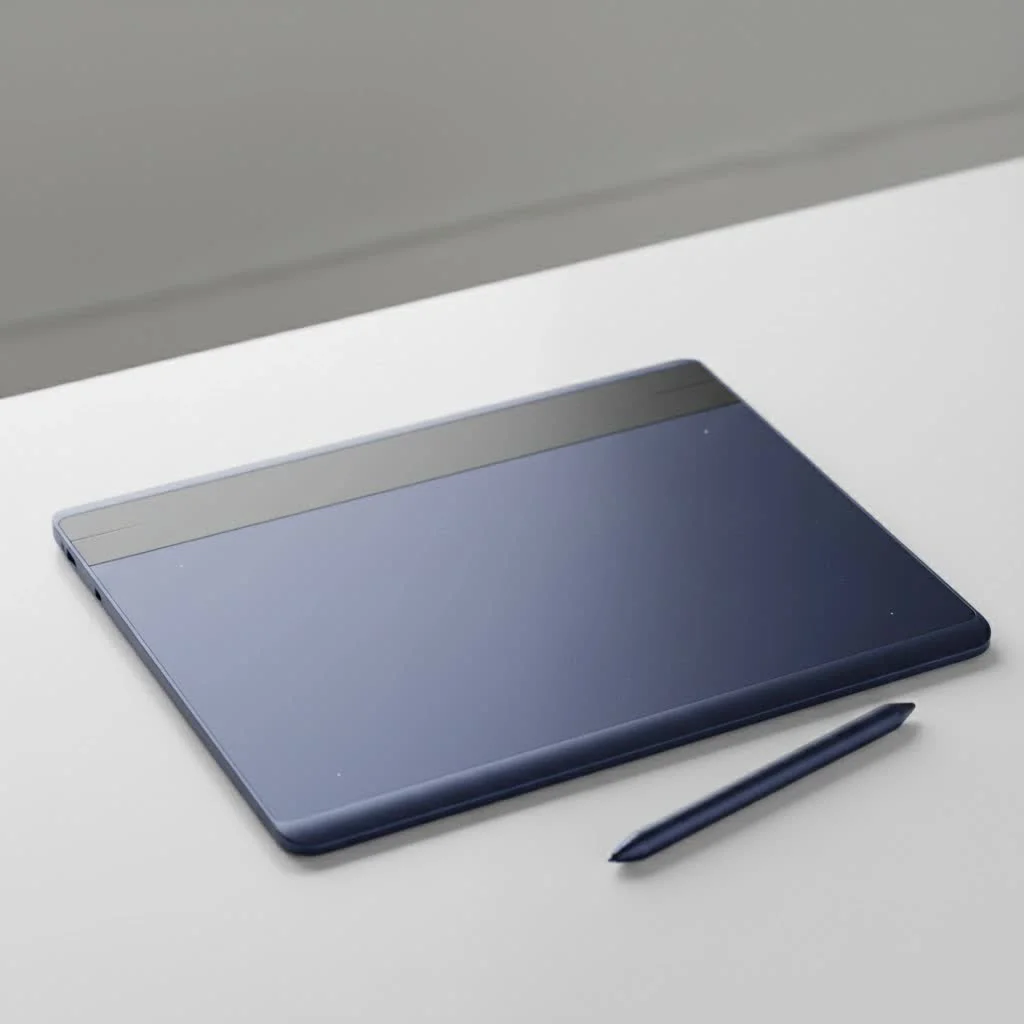
What Determines the Wacom Graphic Tablet Price?
Several key factors influence the cost of a Wacom tablet. Understanding these variables will help you see why one tablet might be under $100 while another costs several thousand.
- Screen vs. Non-Screen: The most significant price differentiator is the presence of a built-in display. Pen tablets (like the Intuos series) require you to look at your computer monitor while you draw on the tablet surface. Pen displays (like the Cintiq series) have an integrated screen, allowing you to draw directly on the image. This technology is more complex and significantly increases the price.
- Size: A larger active drawing area provides more freedom of movement but also comes at a higher cost. Wacom typically offers Small, Medium, and Large options for its popular models.
- Pressure Sensitivity & Pen Technology: Professional models feature more levels of pressure sensitivity (typically 8,192 levels) and advanced pen technology like the Pro Pen 3, which offers customizable weight, balance, and buttons. This provides a more nuanced and responsive drawing experience, contributing to a higher price.
- Resolution and Color Accuracy: For pen displays, higher screen resolution (like 4K) and wider color gamut coverage (like 99% Adobe RGB) are premium features that command a higher price, essential for professional color-critical work.
Wacom Tablet Prices by Series
Wacom organizes its tablets into distinct product lines, each catering to a different user base and budget.
Wacom Intuos: The Beginner’s Choice (Under $100 – $400)
The Wacom Intuos series is the go-to for beginners, students, and hobbyists. These are screen-less pen tablets that offer a fantastic, reliable drawing experience without a hefty investment.
- Wacom Intuos Small: Often priced under $100, this is the most affordable entry point into the Wacom ecosystem. It’s compact, portable, and perfect for learning the fundamentals of digital art.
- Wacom Intuos Medium: Offering a larger drawing area, this model provides more creative freedom and typically falls in the $150 to $250 range. Many versions include Bluetooth connectivity for a wireless setup.
Wacom One: The Affordable Pen Display ($300 – $600)
|
Our Picks for the Best Graphic Tablet in 2026
As an Amazon Associate I earn from qualifying purchases.
|
||
| Num | Product | Action |
|---|---|---|
| 1 | HUION Drawing Tablet HS610 Graphic Tablet with Battery-Free Stylus 8192 Pen Pressure Tilt Function, 10x6.25 Inches Digital Art for Animation & Design, Compatible with Windows/Mac/Android |

|
| 2 | Drawing Tablet for Beginner Graphics OSU Tablet with Battery-Free Stylus 8192 Pressure Sensitive for Digital Art, Painting & Design, Compatible with Windows, Mac OS and Android |
|
| 3 | HUION Inspiroy H1060P Graphics Drawing Tablet with 8192 Pressure Sensitivity Battery-Free Stylus and 12 Customized Hot Keys, 10 x 6.25 inches Digital Art Tablet for Mac, Windows PC and Android |
|
| 4 | Wacom Intuos Pro Medium Bluetooth Professional Graphic Drawing Tablet with Pro Pen 3, Compatible with Mac, Windows - 2025 Edition |
|
| 5 | HUION KAMVAS Pro 16 Drawing Tablet with Screen, 15.6 inch Pen Display Anti-Glare Glass 6 Shortcut Keys Adjustable Stand, Graphics Tablet for Drawing, Writing, Design, Work with Windows, Mac and Linux |
|
| 6 | Graphics Drawing Tablet, UGEE M708 10 x 6 inch Large Drawing Tablet with 8 Hot Keys, Passive Stylus of 16384 Levels Pressure, UGEE M708 Graphics Tablet for Paint, Design, Art Creation Sketch |
|
| 7 | HUION Kamvas 13 (Gen 3) Drawing Tablet with Screen,13.3\" Full-Laminated Art Tablet with Anti-Sparkle Canvas Glass 2.0, 99% sRGB, PenTech 4.0, 16384 Pen Pressure, Dual Dial for PC, Mac, Android, Black |
|
| 8 | XOPPOX Graphics Drawing Tablet 10 x 6 Inch Large Active Area with 8192 Levels Battery-Free Pen and 12 Hot Keys, Compatible with PC/Mac/Android OS for Painting, Design & Online Teaching Black |
|
| 9 | HUION Inspiroy H640P Drawing Tablet, 6x4 inch Digital Art with Battery-Free Stylus, 8192 Pen Pressure, 6 Hot Keys, Graphics Tablet for Drawing, Writing, Design, Teaching, Work with Mac, PC & Mobile |
|
| 10 | GAOMON M10K Drawing Tablet, 10x6 inch Large Graphics Tablet with Touch Ring, 8192 Levels Battery-Free Stylus, 10 Hot Keys, Art Tablet for Design, Writing, Editing, Work with Mac, Windows, Android |
|
The Wacom One family serves as a bridge between basic pen tablets and professional pen displays. It’s an excellent choice for those who want to draw directly on a screen without committing to the high price of a Cintiq. The Wacom One 13 Touch, for example, offers a 13.3-inch 1080p screen, providing an intuitive and engaging creative experience for a reasonable price.
Wacom Cintiq: The Professional Standard ($600 – $2,000)
The Cintiq line is the workhorse of the creative industry, found in animation studios, game development houses, and design agencies worldwide.
- Wacom Cintiq 16: Priced around $600-$700, the Cintiq 16 is one of the most popular models for serious hobbyists and aspiring professionals. It offers a fantastic full HD drawing experience and Wacom’s renowned Pro Pen technology.
- Wacom Cintiq 22: With a much larger 22-inch screen, this model provides an expansive canvas for immersive work. It’s a significant step up in price, usually found in the $1,000 to $1,500 range, making it a favorite for dedicated professionals.
Wacom Cintiq Pro: The Ultimate Creative Tool ($2,000+)
For professionals who demand the absolute best, the Cintiq Pro line offers uncompromising performance. These models feature 4K resolution, exceptional color accuracy, and the latest Pro Pen 3 technology.
- Wacom Cintiq Pro 17 & 22: These newer models offer premium features in more manageable sizes, with prices starting around $2,500.
- Wacom Cintiq Pro 27: The flagship model is a beast, boasting a 27-inch 4K 120Hz display. This is a top-tier studio centerpiece with a price tag to match, often exceeding $3,500, not including the required stand.
How to Choose the Right Wacom for Your Budget
Choosing the right tablet is a balance of needs and budget.
- For Beginners: Start with a Wacom Intuos Small or Medium. It’s a low-risk investment to see if digital art is right for you.
- For Enthusiasts Ready to Upgrade: The Wacom One or Cintiq 16 are perfect next steps. The choice depends on whether you’re ready to invest in a dedicated pen display.
- For Professionals: A Cintiq 22 offers a great balance of size and price for full-time creative work. If your work is color-critical or you need the absolute best performance, a Cintiq Pro is the industry standard for a reason.
As David Chen, a concept artist with over 20 years in the gaming industry, puts it, “Your first tablet doesn’t need to be your last. I started with a small Intuos. The key is to get a tool that feels good to use and lets your skills grow. Wacom’s reliability is why we use them in the studio.”
Frequently Asked Questions (FAQ)
Why are Wacom tablets so expensive?
Wacom’s pricing reflects their investment in research and development, patented EMR pen technology (which requires no batteries or charging), build quality, and industry-leading driver support and reliability. They are considered the industry standard, and that reputation carries a premium.
What is the cheapest Wacom tablet?
The cheapest new Wacom tablet is typically the One by Wacom or the Wacom Intuos Small (non-Bluetooth version), both of which can often be found for under $100.
Is a screen tablet worth the extra cost?
For many artists, yes. Drawing directly on the screen is more intuitive and can feel more natural, closely mimicking traditional art. However, it’s a matter of preference; many professionals are incredibly fast and efficient on screen-less Intuos Pro tablets.
How much does a professional Wacom tablet cost?
A professional setup can range widely. A Wacom Intuos Pro Medium costs around $300-$400. A Wacom Cintiq 16, a popular entry-professional display, is about $700. High-end setups like the Cintiq Pro 27 can cost over $4,000 when you include the stand.
Where can I find the best deals on Wacom tablets?
Look for sales on Wacom’s official website, major electronics retailers, and online stores like Amazon. Wacom also offers refurbished products on their site, which can be a great way to get a professional model at a lower price.
Conclusion
Understanding the Wacom graphic tablet price landscape is the first step toward making a smart investment in your creative future. From the accessible Intuos series to the peerless Cintiq Pro line, Wacom offers a well-defined pathway for artists at every level. By assessing your personal needs, skill level, and budget, you can select a tablet that will not only serve you well today but will also be a reliable partner as your talents grow.
Get our weekly buyer guide
Practical specs, not advice. Unsubscribe anytime.
