A graphic design tablet with a pen is an essential tool for digital artists, replacing a traditional mouse with a pressure-sensitive pen and drawing surface for enhanced control and natural hand movements. These devices offer unparalleled precision for illustrations, photo editing, and other creative tasks, making the digital art process more intuitive. For over 15 years, these tools have transformed workflows and unlocked artistic potential for professionals and beginners alike.
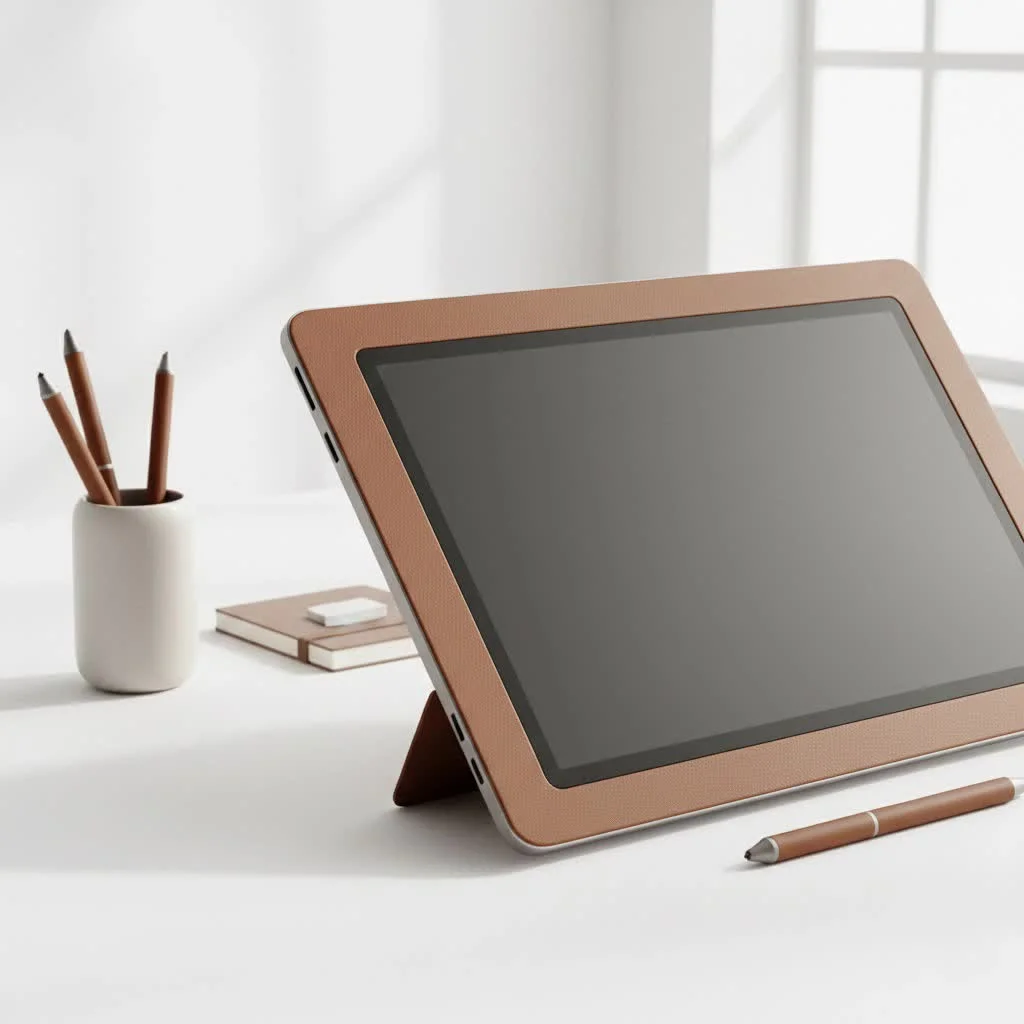
Pen Tablets vs. Pen Displays: What’s the Difference?
The primary distinction in graphic design tablets lies between traditional pen tablets and advanced pen displays, each offering a unique creative experience.
Pen Tablets: The Affordable Starting Point
A pen tablet is an opaque slate that connects to your computer, requiring you to draw on its surface while viewing your monitor. This setup demands some hand-eye coordination but is typically mastered within a few hours. They are highly affordable, durable, and an excellent entry point for beginners.
- Pros: Highly affordable, durable, and available in a wide range of sizes. They are an excellent entry point for beginners and a reliable workhorse for many professionals.
- Cons: The learning curve can be a hurdle for some. It feels less direct than drawing on paper.
- Best for: Beginners, budget-conscious artists, and those who need a portable, straightforward tool for tasks like photo retouching or vector illustration.
Pen Displays: The Intuitive Canvas
A pen display is a monitor you draw directly on, providing an immediate and natural drawing experience similar to traditional art. Lines appear directly under the pen tip, making the process incredibly seamless and intuitive.
- Pros: Intuitive and easy to learn, offering a direct and immersive drawing experience.
- Cons: Significantly more expensive than pen tablets. They are also bulkier and less portable.
- Best for: Professional illustrators, digital painters, and anyone who wants the most seamless and natural digital drawing experience possible.
Key Features in a Graphic Design Tablet with Pen
When selecting a graphic design tablet, several technical specifications are crucial for optimizing your creative output.
Pen Pressure Sensitivity: From a Whisper to a Shout
Pen pressure sensitivity is a critical feature, determining how the tablet interprets the force applied by the pen, which directly impacts line weight and opacity. Most modern tablets offer between 4,096 and 8,192 levels of pressure. For most users, anything above 2,048 levels provides a professional-grade experience.
Resolution (LPI): How Sharp Are Your Lines?
Resolution, measured in Lines Per Inch (LPI), indicates how many digital lines fit into one inch of the tablet’s active area. Higher LPI values, such as 5,080 LPI found in professional models, enable the tablet to recognize finer details and subtle pen movements, resulting in smoother curves and more precise line work. Aim for at least 2,540 LPI for good accuracy.
For Pen Displays: The Screen is Your World
|
Our Picks for the Best Graphic Tablet in 2026
As an Amazon Associate I earn from qualifying purchases.
|
||
| Num | Product | Action |
|---|---|---|
| 1 | GAOMON M10K Drawing Tablet, 10x6 inch Large Graphics Tablet with Touch Ring, 8192 Levels Battery-Free Stylus, 10 Hot Keys, Art Tablet for Design, Writing, Editing, Work with Mac, Windows, Android |

|
| 2 | HUION KAMVAS Pro 16 Drawing Tablet with Screen, 15.6 inch Pen Display Anti-Glare Glass 6 Shortcut Keys Adjustable Stand, Graphics Tablet for Drawing, Writing, Design, Work with Windows, Mac and Linux |
|
| 3 | XOPPOX Graphics Drawing Tablet 10 x 6 Inch Large Active Area with 8192 Levels Battery-Free Pen and 12 Hot Keys, Compatible with PC/Mac/Android OS for Painting, Design & Online Teaching Black |
|
| 4 | HUION Inspiroy H640P Drawing Tablet, 6x4 inch Digital Art with Battery-Free Stylus, 8192 Pen Pressure, 6 Hot Keys, Graphics Tablet for Drawing, Writing, Design, Teaching, Work with Mac, PC & Mobile |
|
| 5 | HUION Inspiroy H1060P Graphics Drawing Tablet with 8192 Pressure Sensitivity Battery-Free Stylus and 12 Customized Hot Keys, 10 x 6.25 inches Digital Art Tablet for Mac, Windows PC and Android |
|
| 6 | HUION Kamvas 13 (Gen 3) Drawing Tablet with Screen,13.3\" Full-Laminated Art Tablet with Anti-Sparkle Canvas Glass 2.0, 99% sRGB, PenTech 4.0, 16384 Pen Pressure, Dual Dial for PC, Mac, Android, Black |
|
| 7 | Graphics Drawing Tablet, UGEE M708 10 x 6 inch Large Drawing Tablet with 8 Hot Keys, Passive Stylus of 16384 Levels Pressure, UGEE M708 Graphics Tablet for Paint, Design, Art Creation Sketch |
|
| 8 | Wacom Intuos Pro Medium Bluetooth Professional Graphic Drawing Tablet with Pro Pen 3, Compatible with Mac, Windows - 2025 Edition |
|
| 9 | Drawing Tablet for Beginner Graphics OSU Tablet with Battery-Free Stylus 8192 Pressure Sensitive for Digital Art, Painting & Design, Compatible with Windows, Mac OS and Android |
|
| 10 | HUION Drawing Tablet HS610 Graphic Tablet with Battery-Free Stylus 8192 Pen Pressure Tilt Function, 10x6.25 Inches Digital Art for Animation & Design, Compatible with Windows/Mac/Android |
|
For pen displays, screen quality is paramount, particularly regarding color gamut and parallax. A screen with 99% Adobe RGB coverage ensures vibrant, accurate colors, while laminated screens virtually eliminate parallax, providing a more accurate “pen-on-paper” feel by fusing the glass and LCD layers.
- Color Gamut: This refers to the range of colors the screen can display. Look for high percentages of sRGB (the standard for web) or Adobe RGB (a wider gamut preferred for print). A screen with 99% Adobe RGB coverage will show your artwork with vibrant, accurate colors.
- Parallax: This is the small gap between the glass surface and the LCD layer beneath it. A larger gap can create a noticeable offset between the pen tip and the cursor. The best displays have laminated screens, which fuse these layers to virtually eliminate parallax and provide a more accurate “pen-on-paper” feel.
Active Area: Finding Your Goldilocks Zone
The active area is the usable drawing surface of the tablet, and its ideal size depends on your drawing style and available desk space. Medium-sized tablets (around 9×6 inches) are the most popular, offering a balance of comfort, portability, and price, suitable for most users and workflows.
- Small (around 6×4 inches): Great for portability and users who draw from the wrist. Can feel cramped for large, sweeping arm movements.
- Medium (around 9×6 inches): The most popular size, offering a good balance between comfort, desk space, and price. It’s suitable for most users and workflows.
- Large (12×8 inches and up): Ideal for artists who work with large monitors or prefer making broad strokes from the shoulder. Requires significant desk space.
Top Brands in the Tablet Arena
Several brands consistently lead the market for graphic design tablets, known for their quality and innovation. Wacom is considered the industry leader, while Huion and XP-Pen offer feature-rich alternatives at competitive prices. As professional designer Alex Chen notes, “While Wacom set the standard, brands like Huion and XP-Pen have made professional-level tools accessible to everyone. The best tablet today is the one that fits your budget and workflow, regardless of the logo.”
- Wacom: Long considered the industry leader, Wacom is known for its premium build quality, reliability, and modern technology. They are often compared to the “Apple” of the graphics tablet world.
- Huion & XP-Pen: These brands have emerged as powerful competitors, offering feature-rich tablets at highly competitive prices. They often provide comparable pressure sensitivity and resolution to Wacom, making them fantastic alternatives for both beginners and professionals.
Frequently Asked Questions (FAQ)
What is the best graphic design tablet with pen for a beginner?For a beginner, a medium-sized pen tablet like the Wacom Intuos or an equivalent model from Huion or XP-Pen offers the best balance of features, drawing area, and affordability. They provide a professional-level experience without the high cost of a pen display.
Do I really need 8,192 levels of pressure sensitivity?While 8,192 levels is the current industry standard for high-end tablets, the difference between it and 4,096 levels can be subtle for many users. Anything above 2,048 levels is more than capable of producing professional, nuanced artwork.
Can I use an iPad as a graphic design tablet?Absolutely. The iPad, especially with the Apple Pencil Pro, has become a powerful standalone tool for digital art. Apps like Procreate offer a robust, professional-grade experience. It’s an excellent choice if you also value portability and a multi-purpose device.
What are ExpressKeys or shortcut buttons?These are customizable physical buttons built into the tablet. You can program them to perform your most-used commands, like “Undo,” “Zoom In/Out,” or switching between tools. They are a massive workflow enhancement, saving you from constantly reaching for your keyboard.
Do I need a battery for the pen?Most modern pens from major brands use EMR (Electro-Magnetic Resonance) technology, which means they are powered wirelessly by the tablet itself and never need charging. This is a huge convenience factor to look for.
Your Creative Journey Awaits
Choosing the right graphic design tablet with pen is a foundational step in your digital art journey. Whether you start with a simple pen tablet to master the basics or invest in a pen display for the most direct creative experience, the right tool will dissolve the barrier between your imagination and the digital canvas. Focus on the core features that impact drawing feel—pressure, resolution, and surface texture—and you will find a partner that will serve you for years to come. Now, go create something amazing.
Get our weekly buyer guide
Practical specs, not advice. Unsubscribe anytime.
I’ve been using a Wacom Intuos for years, and it’s been a game-changer for my illustration work. The pressure sensitivity is fantastic, making my lines feel so much more natural than with a mouse. It took a little getting used to drawing on the tablet while looking at my monitor, but now it’s second nature. Definitely recommend a pen tablet for anyone serious about digital art on a budget.
As a beginner, I was overwhelmed by all the options, but focusing on the ‘affordable starting point’ of pen tablets made my decision much easier. I picked up a small Gaomon tablet, and it’s perfect for learning the ropes. The natural hand movements it allows have made my digital sketches feel so much more organic. It’s truly unlocked my artistic potential.
I recently got a Huion pen display, and while the direct drawing on screen is amazing for photo editing, I’ve noticed a slight parallax issue. It’s not a deal-breaker, but sometimes my pen tip isn’t exactly where the cursor is, which can be a bit frustrating for very fine details. Still, it’s a huge upgrade from my old pen tablet for visual feedback.
The guide really helped me understand the difference between pen tablets and pen displays. I ended up going with a mid-range XP-Pen display, and it’s been great for my graphic design projects. The ability to see my work directly on the screen has sped up my workflow considerably, especially when I’m doing intricate logo designs. The setup was pretty straightforward too.